


Building a gaming rig on a budget in SA is a real challenge. The temptation to scour online marketplaces for used PC components in South Africa is strong, promising high-end performance for a fraction of the price. But is that "bargain" GPU a hidden gem or a future paperweight? 😥 This guide will help you navigate the second-hand market safely, so you can score a deal without getting burned. Let's dive in.
The Allure and a Word of Warning
Why do so many gamers hunt for used hardware? The answer is simple: value. You can potentially build a powerful machine for significantly less cash, stretching your budget to include better parts than you could afford new. Finding specific older parts to match an existing build is another big reason.
However, the world of second-hand tech is the wild west. There are no warranties, no returns, and plenty of risks. A component that fails after a week could leave you out of pocket with no recourse. That's why knowing what to look for is absolutely critical when considering used PC components in South Africa.
Your Safe Buying Checklist for Used PC Parts 🔧
Before you hand over any cash, you need to become a detective. A few careful checks can save you a world of hurt and wasted money. Don't be shy about asking the seller to prove the component is in working order.
The Most Crucial Components to Scrutinise
Certain parts carry more risk than others. Here’s how to check the most common hardware you'll find for sale.
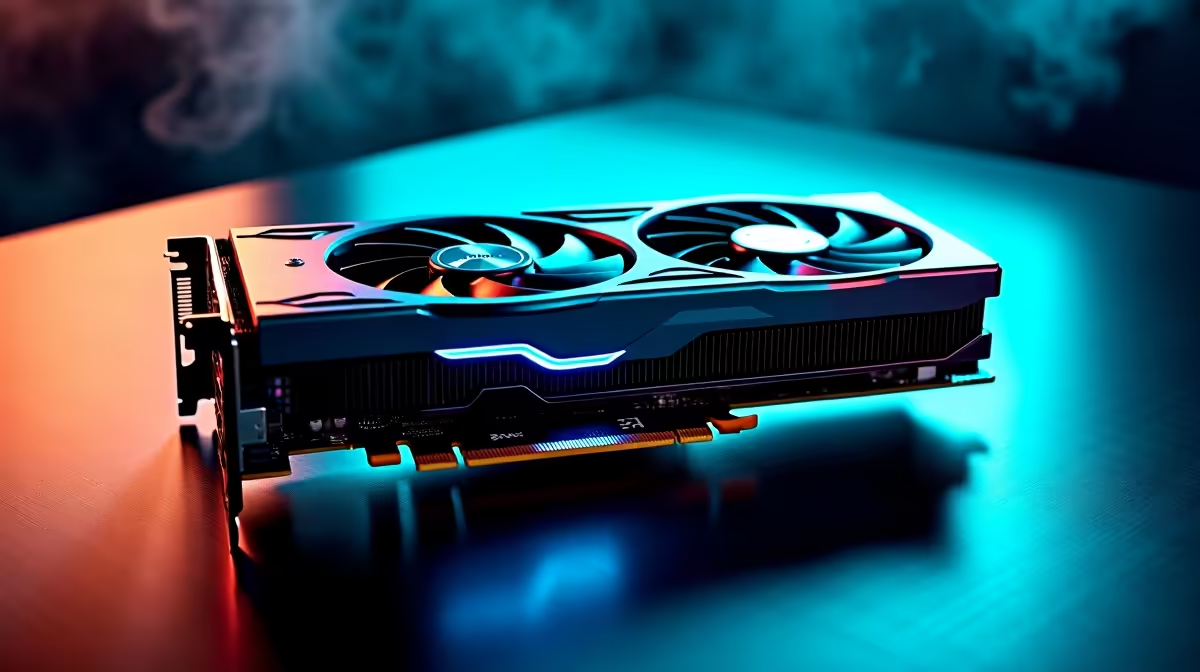
- Graphics Cards (GPUs): This is the most sought-after used component. Ask the seller to run a benchmark like FurMark or 3DMark and send you a video of the results. Look for visual artifacts (strange colours or patterns) on the screen. Also, ask if the card was used for crypto mining, as this puts immense strain on the hardware. If you're worried about the risks, browsing brand-new NVIDIA and AMD graphics cards with a full warranty offers peace of mind.
- Processors (CPUs): The main danger with a used CPU is physical damage. Ask for clear, close-up photos of the bottom of the processor. For Intel CPUs, check for damaged contact pads. For AMD CPUs, look for any bent or missing pins—even one can render the chip useless. A much safer bet is often a new, warranty-backed CPU from Intel or AMD.
- Motherboards: Inspect the board closely for any physical damage, especially bulging or leaking capacitors. Check the CPU socket for bent pins (a common issue) and ensure the I/O shield is included. A faulty motherboard can be a nightmare to diagnose, making a fresh Intel or AMD based motherboard a wise investment.
- RAM: Faulty RAM can cause random crashes and the dreaded Blue Screen of Death. The best way to test it is by running a tool like MemTest86 for a few hours. Ask the seller if they can provide a screenshot of a successful pass. If not, you're taking a gamble that might not be worth it compared to reliable DDR4 or DDR5 gaming RAM.
Check That Drive Health! ⚡
buying a used SSD or HDD, always ask the seller for a screenshot of a CrystalDiskInfo report. This free tool shows the drive's "Health Status," power-on hours, and total data written. A "Good" status is essential, but high power-on hours on an HDD or high terabytes written (TBW) on an SSD could signal it's near the end of its life. For critical data, nothing beats the reliability of new [Solid State Drives](https: www.evetech.co.za PC-Components buy-solid-state-drives-83).
The Components You Should Almost Never Buy Used
Some parts are just too risky to buy second-hand. The potential savings don't outweigh the catastrophic damage they could cause to your other components if they fail.
- Power Supply Units (PSUs): Never, ever cheap out on a PSU. An old, failing power supply can die and take your entire system with it. There's no reliable way to know its internal condition or remaining lifespan. It is the one component where buying new is non-negotiable. Protect your build with a quality Corsair power supply that comes with a multi-year warranty.
- Cooling Solutions: While a simple air cooler might be okay, All-In-One (AIO) liquid coolers have a limited lifespan due to pump failure and liquid permeation. Buying a used AIO is a huge risk. A failing pump could cause your CPU to overheat and throttle, or worse, the unit could leak all over your expensive components. New CPU coolers are affordable and offer guaranteed performance. Don't forget to grab fresh thermal solutions for any installation, new or used!
Even a computer case can have hidden issues like stripped screw threads or broken front panel connectors, so inspect it carefully.
A Smarter, Safer Upgrade Path ✨
Navigating the market for used PC components in South Africa can be rewarding, but it's a minefield. For a truly stress-free experience, consider a different approach. You get a warranty, guaranteed compatibility, and the latest technology without the risk.
Often, the best value lies not in single used parts, but in curated bundles. Our Intel and AMD based bundle packs combine a brand-new CPU, motherboard, and RAM, taking all the guesswork out of your core upgrade. It's the perfect middle ground between a full custom build and the uncertainty of used parts.
Ready for a Risk-Free Upgrade? While hunting for used parts can be fun, nothing beats the security and performance of new components. Evetech offers the widest range of PC hardware in South Africa, all backed by solid warranties. Explore our massive range of PC components and build your dream rig with confidence.









