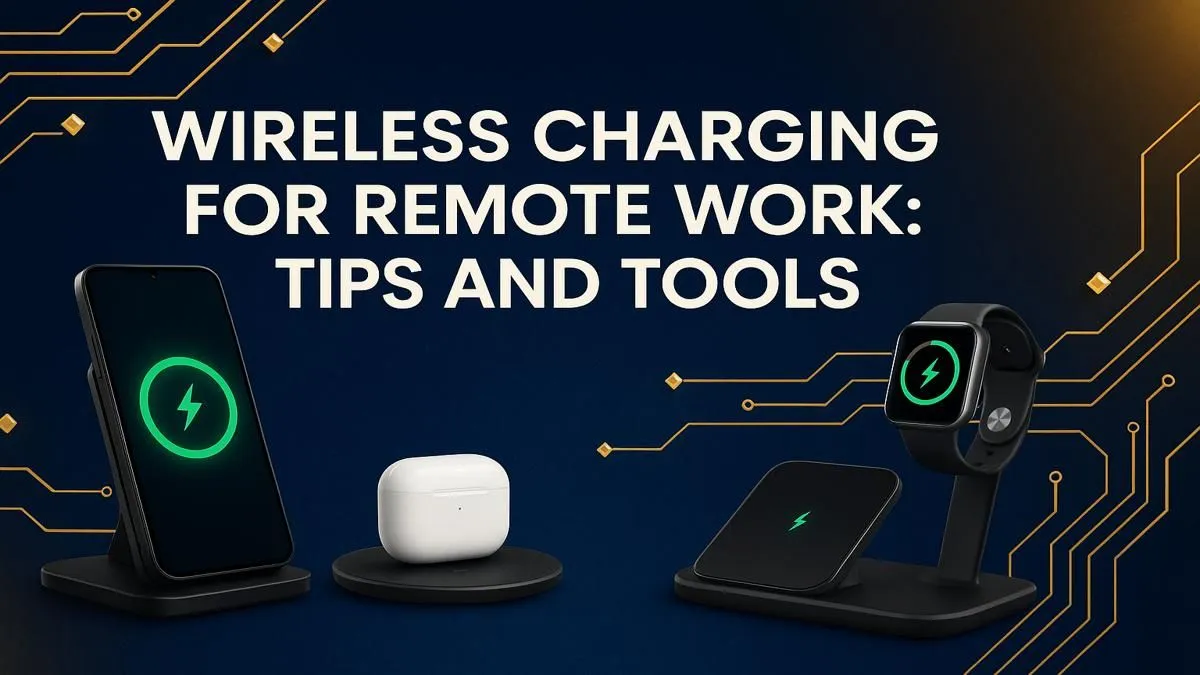
Tired of your desk looking like a pot of spaghetti gone wrong? In South Africa, working from home means juggling deadlines, an unexpected outage, and a mess of cables for your phone, mouse, and headset. A clutter-free workspace isn't a luxury; it's essential for focus. Embracing wireless charging for remote work is the single best step you can take to reclaim your desk and streamline your workflow. Ready to cut the cord for good? 🔌
Why Wireless Charging is a Must for Your SA Home Office
The biggest win is obvious: no more fumbling for the right cable. A clean desk is a clean mind, helping you stay productive when you're on the clock. Beyond the aesthetics, dropping your phone on a pad is just faster and more convenient than plugging it in. It also reduces wear and tear on your device's charging port, which can be a costly repair down the line.
This convenience is powered by Qi (pronounced "chee") technology, the universal standard for wireless charging. This means a single charging station can power up your phone, wireless earbuds, and other compatible gadgets, regardless of the brand. It's the kind of seamless integration that makes a modern tech setup feel truly complete, especially when paired with other gaming-grade charging accessories designed for performance.
Choosing the Right Wireless Charging Tools
Not all wireless chargers are created equal. Your ideal setup depends on your specific needs and the devices you use daily.
Types of Chargers
- Pads: These are simple, flat surfaces perfect for charging a single device. They're great for your bedside table or a minimalist desk setup.
- Stands: These prop your phone up, usually at a slight angle. They are fantastic for your desk, as you can easily see notifications, join video calls, or unlock your phone with facial recognition without picking it up.
- Multi-Device Stations: The ultimate solution for tech enthusiasts. These hubs can power up your smartphone, smartwatch, and wireless earbuds all at once from a single plug point. Brands like Promate offer robust solutions that combine style and function. You can find excellent Promate wireless chargers that handle multiple devices effortlessly.
When choosing, look for the wattage (W) rating—higher watts generally mean faster charging, but make sure your device supports it. To see what's available, you can check out the full Promate range for options that fit any budget.
Power Up Properly ⚡
Your wireless charger is only as good as its power source. Don't plug a new 15W fast wireless charger into an old 5W USB-A power brick from your first smartphone. You'll get frustratingly slow speeds. Always use the recommended power adapter to get the maximum charging performance for your devices.
Optimising Your Wireless Charging Setup
Getting the most out of wireless charging for remote work involves more than just buying a charger. A few small tweaks to your setup can make a massive difference. ✨
First, placement is key. Position your charger where you can instinctively place your device without looking. For a charging stand, this is typically next to your monitor. For a pad, consider integrating it into your desk surface with a flush-mount charger for the ultimate clean look.
Also, be mindful of your phone case. Most standard plastic or silicone cases under 3mm thick are perfectly fine. However, very thick, rugged cases, or those with metal plates or pop sockets on the back, will block the connection. A simple, compatible case ensures you get a reliable charge every time you put your phone down. Finally, ensure you're using a reliable power adapter and charger to deliver consistent power.