


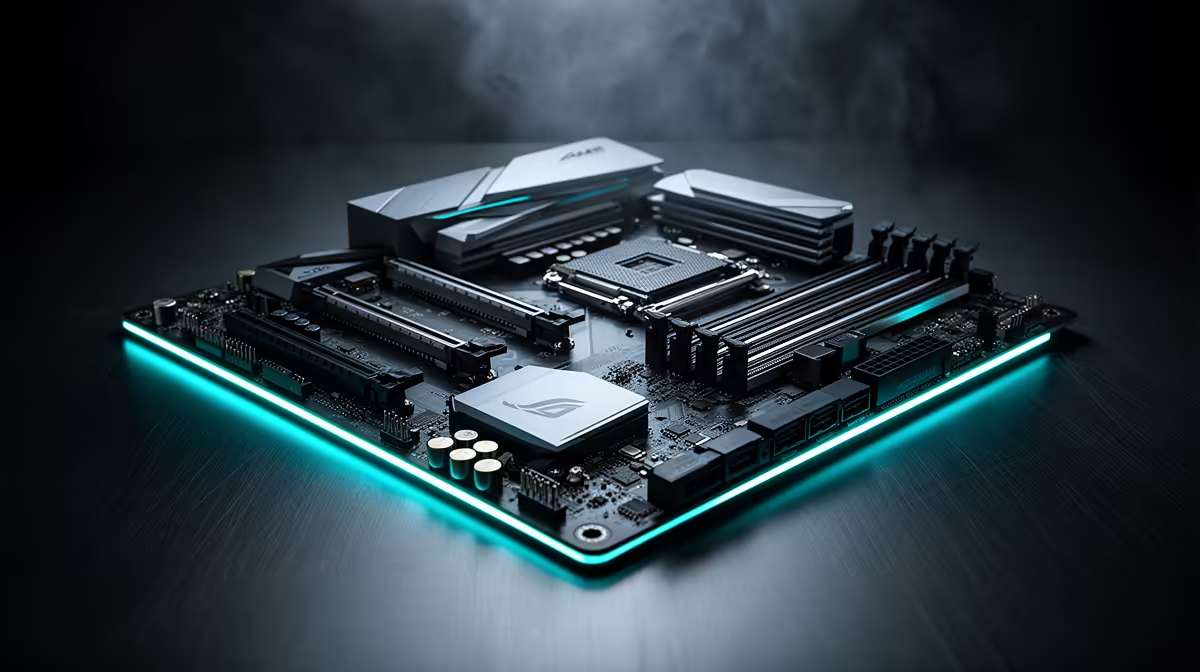
Heads up, PC builders! AMD's new Ryzen 9000 CPUs are landing in South Africa, and with them comes the shiny new X870 chipset. But with excellent X670E motherboards already on the market, the big question is... is this upgrade actually worth your hard-earned Rands? Or is it just hype? Let's break down the X870 vs X670E debate and help you decide where to spend your cash for the best performance. 🚀
Understanding the Core Differences: X870 vs X670E
At first glance, the X870 chipset might seem like a minor refresh, but the devil is in the details. While the flagship X670E platform introduced the AM5 socket with features like PCIe 5.0 and DDR5, X870 refines the formula and makes some of the best features mandatory. This standardisation is the key difference when comparing X870 vs X670E.
The biggest change is that all X870 motherboards must include both a PCIe 5.0 x16 slot for your graphics card and at least one PCIe 5.0 M.2 slot for a next-generation NVMe SSD. They also mandate USB4 connectivity as standard. This guarantees a higher baseline of next-gen features across the board, removing the guesswork when looking at a wide range of motherboards and their varied spec sheets.
Key Feature Showdown: Is X870 a Must-Have?
So, do these new standards mean you should rush out and buy an X870 board? Let's be real, it depends entirely on your needs and current setup.
PCIe 5.0: Future-Proofing vs. Present Reality
While having guaranteed PCIe 5.0 support is great for peace of mind, very few gamers in SA can actually use it right now. Graphics cards haven't yet saturated the bandwidth of PCIe 4.0, and PCIe 5.0 SSDs are still premium-priced. An X670E board already offers this capability, so the X870 vs X670E argument here is more about a guarantee than a brand-new feature. If you're building a top-tier rig today and want it to last five years, X870 is the logical choice.
USB4 and Wi-Fi 7: The Connectivity Boost
USB4 is another significant upgrade, offering blistering 40Gbps transfer speeds. For content creators moving massive video files or professionals using high-speed external docks, this is a massive win. For the average gamer? It's a nice-to-have, but likely won't impact your daily experience just yet. Many X870 boards will also come equipped with Wi-Fi 7, offering lower latency and higher speeds... if you have a Wi-Fi 7 router to match.
BIOS Check First! 💡
Before you even think about buying a new motherboard for a Ryzen 9000 CPU, check your current AM5 board's support page! Manufacturers are rolling out AGESA updates that add compatibility to many existing X670E, B650, and even A620 boards. A simple, free BIOS flash could save you thousands of Rands and give you access to next-gen performance without a full platform swap.
Memory Support and Overclocking
The new X870 chipset is specifically designed to work with AMD's Ryzen 9000 series CPUs, promising higher, more stable AMD EXPO memory overclocking profiles out of the box. If you're a performance enthusiast looking to squeeze every last drop of power from your RAM, the improved memory topology on an X870 chipset board will be a compelling reason to upgrade from an older platform. This is a clear advantage over many first-generation current AMD motherboards.
The Verdict: Should You Upgrade to an X870 Motherboard? 🇿🇦
So, what's the final call in the X870 vs X670E showdown for South African builders?
- If you're building a brand-new, top-tier PC with a Ryzen 9000 CPU: Yes. Starting with an X870 motherboard makes perfect sense. You get the latest standards, guaranteed future-proofing, and the best possible platform for your new processor. The price difference will likely be minimal for a high-end build.
- If you already own an X670E motherboard: Almost certainly not. Your board is still a powerhouse that will likely support Ryzen 9000 with a simple BIOS update. The incremental benefits of X870 aren't worth the cost of a full motherboard swap. Save your money for a new GPU or more storage.
- If you're on an older AM4 or Intel system: The jump to AM5 is significant. If you're making the move now, choosing X870 gives you the longest runway before you need to think about upgrading again. While the choice is clear for Team Red builders, it's always smart to see what the competition is doing on their latest Intel motherboards to understand the full market.
Ultimately, the X870 chipset is a welcome evolution, not a revolution. It standardises the best features of the AM5 platform, making it a fantastic choice for new builders, but not a mandatory upgrade for existing high-end users.
Ready to Build Your AM5 Rig? Whether you're siding with the future-proof X870 or the powerful and proven X670E, the right foundation is key. The choice in the X870 vs X670E battle depends on your needs and budget. Explore our massive range of AMD motherboards and find the perfect board to power your next-gen gaming PC.









