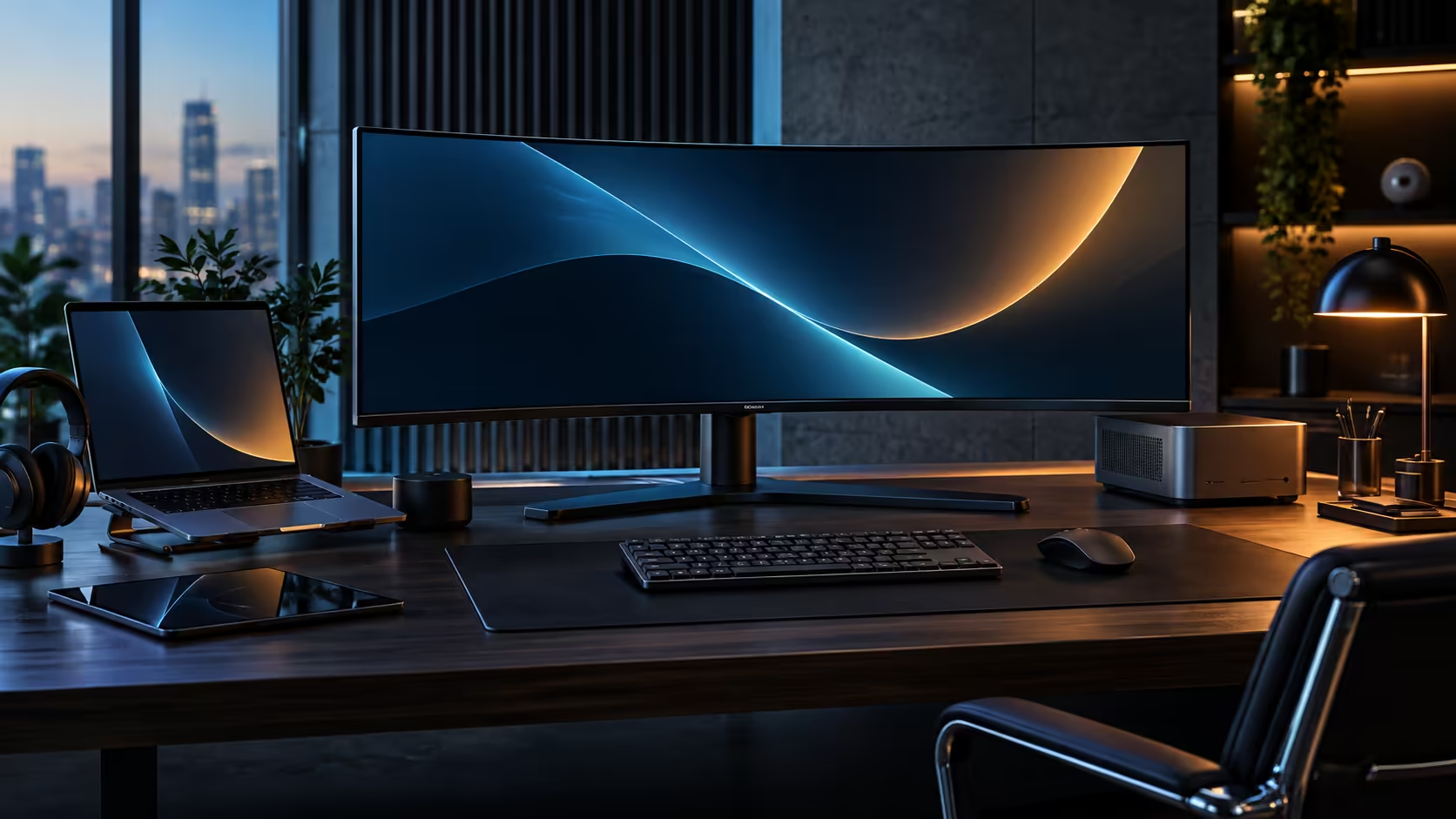
Three specifications get mentioned in the same breath on an ultrawide box, and each one is answering a completely different question. 120Hz, VA panel type and Adaptive-Sync sound like a matched set, but only two of the three are fixed properties of a specific model, and the third is a setting worth checking rather than assuming.
Quick Answer
Refresh rate decides how often the image updates, a VA panel decides how deep the blacks look, and Adaptive-Sync decides whether the two stay in step with your graphics card's frame output. On the R7,999 CU34E4CW, 120Hz and the VA panel are both fixed by the hardware, while Adaptive-Sync support is a detail worth confirming in your own monitor and graphics driver menus rather than assuming from the panel type alone.
⏱️ Refresh rate: a fixed number describing update frequency
This is the simplest of the three to pin down, because it is a single hardware figure that does not change.
120Hz means the panel redraws the image 120 times per second, against 60 times for a standard screen, cutting the gap between frames from 16.7 milliseconds to 8.3 milliseconds. That change shows up in cursor tracking, window dragging and page scrolling, not only in games, since it is a property of how often anything on screen gets redrawn rather than something tied to specific software.
🌑 VA panel type: a fixed property describing contrast
Panel type is baked into the screen at manufacture and cannot be changed by any setting, which makes it the second fixed piece of this puzzle.
A VA panel blocks backlight more completely at the pixel level than an IPS panel does, typically producing static contrast ratios in the 3000:1 to 4000:1 range against roughly 1000:1 for IPS. That means genuinely deep blacks in a dark room, at the cost of colour and contrast shifting more than IPS does when viewed from an angle. The CU34E4CW is a VA panel, so this trade-off is a fixed characteristic of the screen rather than something to look for in a menu.
🔄 Adaptive-Sync: the one piece that depends on your setup, not just the panel
Unlike the first two, this is a feature that has to be actively enabled and confirmed, rather than a fixed hardware trait to read off a spec sheet.
Adaptive-Sync throws out the panel's fixed timetable and instead lets it redraw the instant a graphics card actually hands over a finished frame, which is precisely what keeps a rigid schedule and an unpredictable frame output from colliding into visible tearing. Whether a specific monitor supports it, and whether that support is enabled by default, varies by model and menu configuration rather than following automatically from having a high refresh rate or a VA panel. The practical step is checking the monitor's own on-screen menu for an Adaptive-Sync, FreeSync or G-SYNC Compatible setting, and confirming the equivalent option is switched on in your graphics card's driver software as well, since both sides need to agree for it to function.
Browse the office monitor range and dedicated gaming monitors to compare which models list Adaptive-Sync explicitly, and check the curved monitor range if a curve alongside these three specs is part of what you are shopping for.
Frequently Asked Questions
Does every high refresh rate monitor support Adaptive-Sync?
No. Refresh rate and Adaptive-Sync are separate specifications. A monitor can offer 120Hz without necessarily including variable refresh rate support, so check each spec individually.
Is VA or IPS better for a 120Hz monitor?
Neither is universally better. VA gives deeper blacks and suits dim rooms, while IPS holds colour more consistently at an angle. The choice depends on your viewing conditions rather than the refresh rate.
How do I check if Adaptive-Sync is working on my setup?
Confirm the setting is enabled both in the monitor's on-screen menu and in your graphics card's driver software, since both need to be switched on for it to take effect.
Does 120Hz help outside of gaming?
Yes. A cursor sweeping across the screen, a page mid-scroll and a window being dragged all look measurably crisper at 120Hz, whether or not a game happens to be open.
Can a VA panel's viewing angle limitation be fixed by settings?
No. Viewing angle behaviour is a fixed property of the panel technology itself and cannot be adjusted through any menu setting.
Ready to check which of these three specs your setup actually has?
Confirm refresh rate and panel type from the spec sheet, then check Adaptive-Sync directly in your monitor and driver menus.