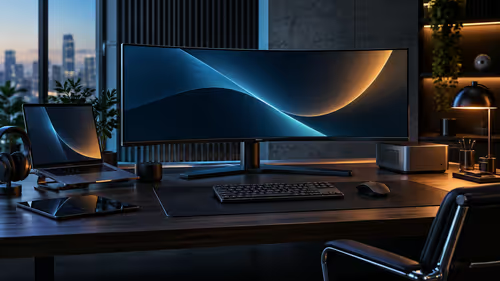
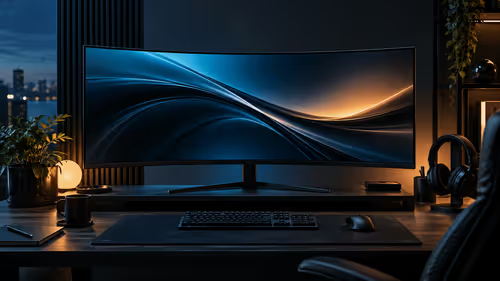
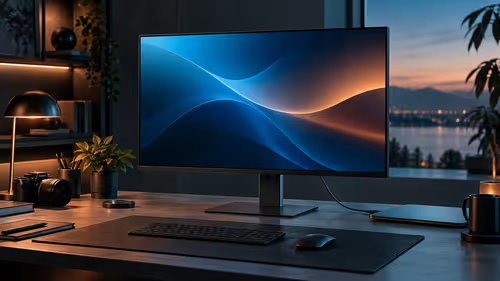
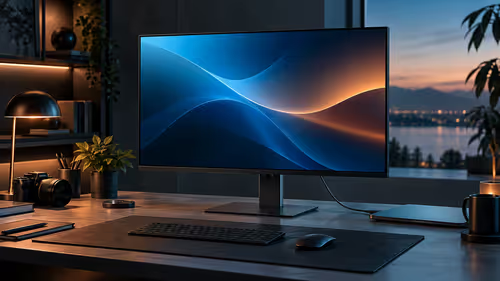
A large curved monitor is heavier, more fragile and more particular about its cables than a standard flat screen, which makes the checklist before buying one longer than most people expect. Four things are worth confirming before a WQHD curved monitor actually arrives at your door in South Africa, and skipping even one of them has a habit of turning into a problem within the first week of ownership.
Quick Answer
Check what cable ships in the box, measure your desk depth, confirm your PC's video output can actually run the full resolution and refresh rate, and read the warranty terms before ordering. The R5,999 AOC CU34B3E specifically wants DisplayPort 1.4 for full 3440x1440 at 120Hz, since HDMI 2.0 falls short of the bandwidth that combination needs.
📦 What ships in the box, and whether it is the cable you need
Of the four, this is the one that trips people up soonest, since the included cable is not always the one your setup requires.
Many monitors ship with only one cable type in the box, commonly HDMI, even when the panel's full performance requires DisplayPort. Confirm before ordering which cable is included, and separately confirm your graphics card has a matching output, since a mismatch means an extra cable purchase before the monitor can even be set up at its full specification. This check takes two minutes against the product page and saves a frustrating first unboxing.
📏 Measuring desk depth before a large curved panel arrives
A curved 34-inch panel takes up noticeably more depth than its diagonal size alone suggests, due to both the curve and the stand base.
Aim for at least 700mm to 800mm of desk depth for comfortable viewing distance on a screen this size, measured from where you sit to the front of the panel rather than to the wall behind it. The curved shape also means the stand's footprint sits slightly differently than a flat monitor's would, so checking the stand's base dimensions against your desk's actual usable space, rather than assuming it will fit, avoids an awkward surprise on delivery day.
🔌 Confirming your PC can actually drive the full specification
This is the check most people skip, assuming any modern PC handles any modern monitor, which is not always true at this resolution and refresh rate combination.
DisplayPort 1.4 carries roughly 26Gbps of bandwidth, comfortably enough for 3440x1440 at 120Hz, where HDMI 2.0's roughly 18Gbps falls short of that specific combination and forces a lower refresh rate or resolution as a compromise. Check your graphics card's output ports before ordering, and note that many laptops, particularly older ones, only offer HDMI without a DisplayPort output, which is worth confirming rather than assuming.
🛡️ Reading the warranty terms, not just the price
A large, fragile item is exactly the kind of purchase where warranty terms deserve a proper read rather than a skim.
Confirm whether the warranty covers collection and delivery for a repair, or whether you would need to arrange transport yourself for an item this size and weight, since that detail changes the real cost of a claim considerably. Buying through a South African retailer generally means this process runs locally rather than through an overseas seller, which matters more for a large, easily damaged item than it would for something small and easily posted.
The curved monitor range, the wider office monitor range and AOC's own lineup are all worth a look before any specific model gets ordered.
Frequently Asked Questions
Does the CU34B3E ship with a DisplayPort cable in the box?
Confirm the exact cable included on the product page before ordering, since some monitors ship with HDMI only despite requiring DisplayPort for full performance.
Can HDMI 2.0 run this monitor at full resolution and refresh rate?
Not at the full combination of 3440x1440 and 120Hz, since HDMI 2.0's bandwidth falls short of what that combination needs. DisplayPort 1.4 is the connection to use for full performance.
How much desk depth does a 34-inch curved monitor need?
Roughly 700mm to 800mm for comfortable viewing distance, measured from your seating position to the front of the panel.
What should I check in the warranty terms for a large monitor?
Whether collection and delivery for a repair are included, since arranging transport yourself for an item this size and weight adds real cost and hassle to a claim.
Does my laptop definitely have the right port for this monitor?
Not necessarily. Many laptops, particularly older ones, only offer HDMI without DisplayPort, so check your specific laptop's ports before ordering a cable.
Ready to check your setup against this list before ordering?
Confirm your cable, desk depth and video output first, then read the warranty terms before choosing a specific panel.