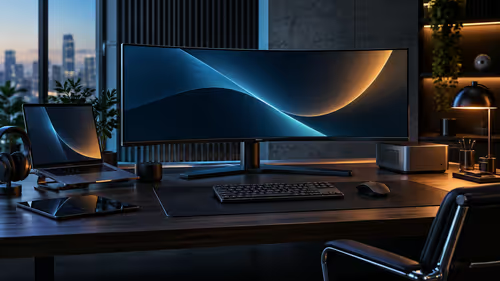
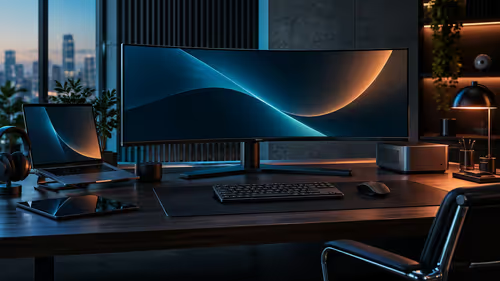
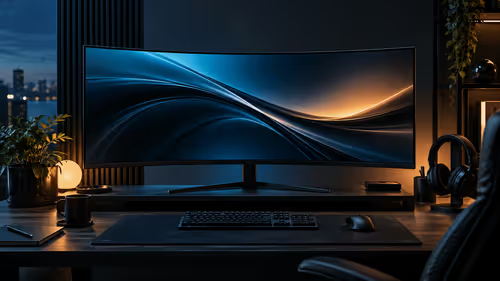
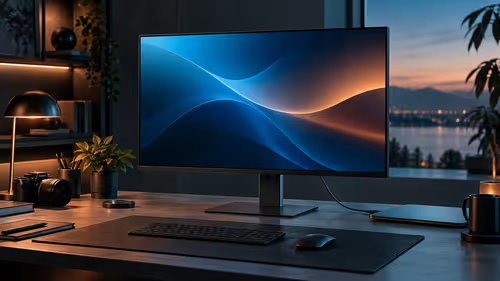
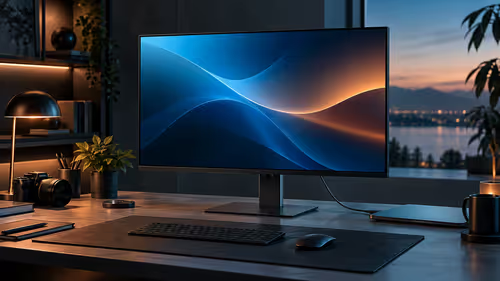
Swapping two monitors for one wide panel sounds like a downgrade until you actually measure how much of a second screen most people use for a single maximised app at a time. A 3440x1440 monitor replaces a dual-screen desk in the case that covers most people, and falls short in one specific case worth naming honestly.
Quick Answer
For most desks, yes: 3440 pixels of width hold two full working windows side by side with no bezel between them, which is what most dual-monitor setups are actually used for. Where it falls short is running two completely separate full-screen applications on two entirely independent inputs. The R5,999 AOC CU34B3E answers the first case well and is not built for the second.
✅ The case it replaces cleanly
This is the majority use case for two monitors, and a single wide panel handles it without compromise.
Most dual-monitor setups run a primary task on one screen and a reference window, a chat app, or a browser on the second, snapped to roughly half of each screen's width. A 3440x1440 panel fits that exact layout onto one continuous surface, with the added benefit of no seam interrupting content that spans the middle, which matters for a wide spreadsheet, a document being compared side by side, or a video timeline. Windows Snap Layouts on an ultrawide even offer thirds rather than the halves built for a standard screen, giving genuinely more working room than two separate 16:9 monitors of similar total width.
❌ The case it does not fully replace
Naming the limit honestly is what makes the rest of this answer trustworthy.
Running two genuinely separate full-screen applications, each needing its own dedicated input, is a different workflow from splitting one wide screen into sections. A video call taking the entire first screen while uninterrupted work continues on a second is a common example: on a single ultrawide, that call still shares pixels with everything else, rather than owning a full display of its own. Rotating a screen to portrait for long-form reading or a tall code file is also not something a curved ultrawide can do, since its shape only works correctly lying flat and wide.
🔍 A quick way to check which case describes you
Rather than guessing, look at how you actually use your current second monitor for a few days before deciding.
If your second screen spends most of its time at roughly half width, showing a browser, a chat window or a reference document, a single ultrawide will replace it with no loss and a genuine gain in flexibility. If your second screen regularly runs a completely separate full-screen app, particularly one you glance at continuously rather than occasionally, keeping two independent displays likely still suits you better.
The office monitor range and curved monitor range cover the panel options themselves, and monitor accessories is worth a look if a stand or mounting change comes with the switch.
Frequently Asked Questions
Will a 3440x1440 monitor give me the same total screen space as two monitors?
Not necessarily more, but it reorganises the same rough width into one continuous surface rather than two separated ones, which suits most side-by-side workflows better.
Can I still run two separate full-screen apps on an ultrawide?
You can split the screen into sections for two apps, but neither gets a fully dedicated display the way two genuinely separate monitors provide.
Does Windows offer any special layout tools for ultrawide screens?
Yes. Windows Snap Layouts include thirds and other ultrawide-specific arrangements, in addition to the standard halves designed for regular screens.
Is a curved ultrawide a good replacement if I use portrait mode often?
No. A curved panel cannot be rotated to portrait, so frequent portrait use is better served by keeping a separate rotatable monitor.
How do I know if a single ultrawide will suit my workflow?
Watch how your current second screen is actually used for a few days. Frequent half-width windows suggest a good fit; a constantly full-screen second app suggests otherwise.
Ready to see if one wide screen covers what your second monitor actually does?
Watch your own usage for a few days before deciding between one ultrawide and two separate screens.