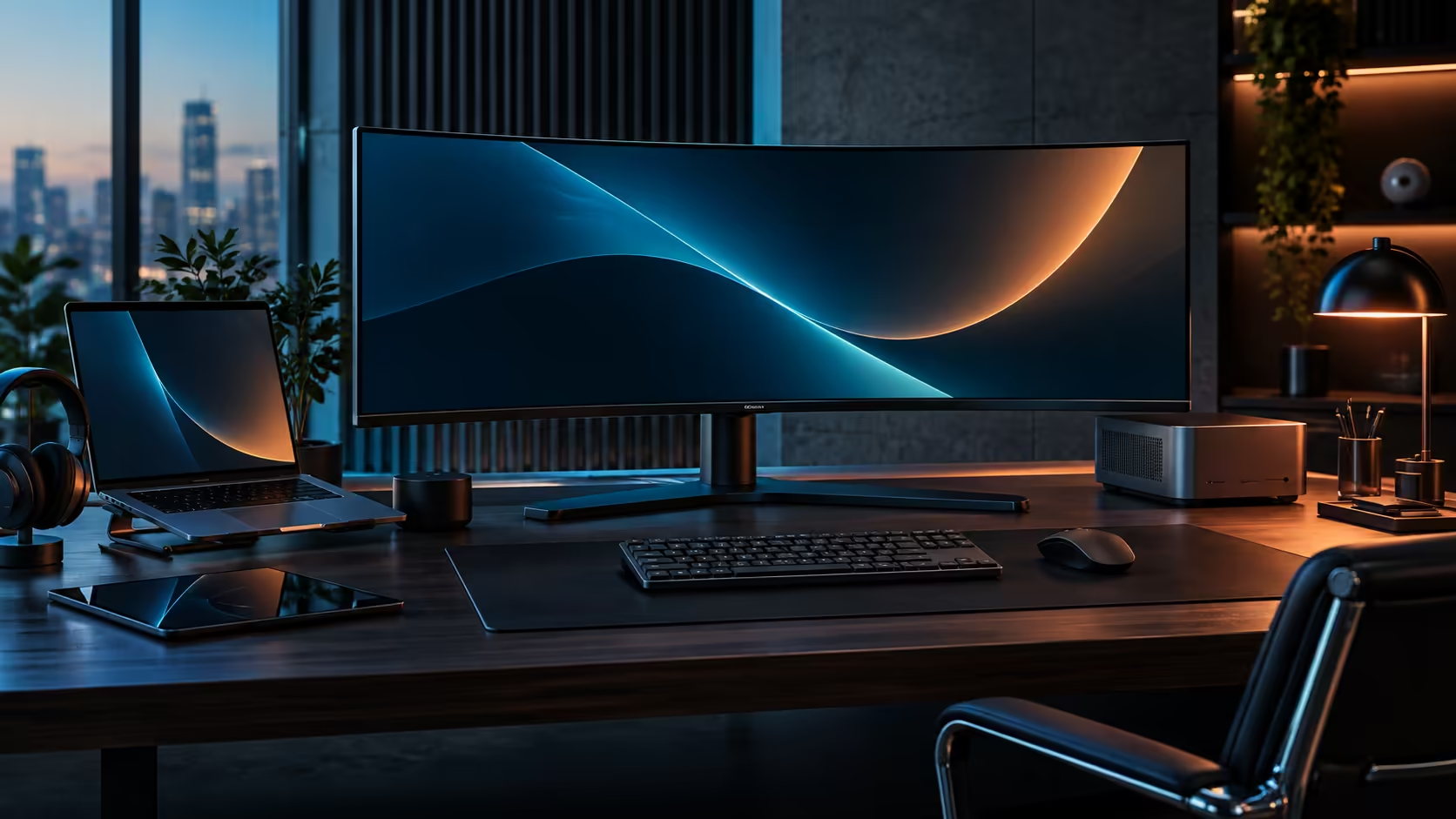
Asked in isolation, whether a faster screen is "worth it" is close to unanswerable, since worth depends entirely on what else comes bundled with the number. 120Hz on its own is a comfort upgrade rather than a productivity investment, and the honest answer for a South African office setup depends on what else that higher refresh rate happens to arrive with.
Quick Answer
On its own, paying extra purely for 120Hz over 60Hz is a genuine but modest comfort improvement, mostly noticeable in smoother cursor movement and scrolling. It becomes clearly worth paying for when it arrives alongside docking, a KVM and a network port in the same purchase, which is exactly how the R7,999 CU34E4CW justifies its price for a South African home office rather than as a refresh-rate premium in isolation.
💸 Pricing 120Hz as a standalone feature
Isolating just the refresh rate premium shows why this question is genuinely hard to answer with a single number.
A basic 60Hz monitor and an otherwise identical 120Hz panel from the same range typically differ by a few hundred to around a thousand rand, depending on the model. On its own merits, that premium buys smoother-looking cursor and window motion throughout the working day, a real but modest gain that mostly matters to people who spend hours scrolling documents, browsers or spreadsheets rather than to occasional users. Judged purely on this one spec, it sits closer to a pleasant extra than a decisive reason to buy.
📦 Why the CU34E4CW changes the maths entirely
The CU34E4CW is not selling 120Hz in isolation, and that bundling is exactly what changes whether the extra cost is worth paying.
At R7,999, the faster refresh rate is riding on top of a screen that already charges a laptop at 90W, switches between two computers, plugs into a wired network and puts a camera in front of every call, none of which show up together on a basic 60Hz office monitor at a similar price. Once you are already paying for those docking features, which have genuine standalone value for a home office desk, the 120Hz panel effectively costs little to nothing extra over choosing a slower, less capable equivalent. The refresh rate becomes a bonus riding along on a purchase justified by connectivity, rather than the reason for the purchase itself.
🏢 Why this bundling matters specifically for SA home offices
A South African home office setup tends to accumulate separate accessories over time, which is exactly the pattern this kind of monitor is built to avoid.
Buying a bare 60Hz monitor and separately sourcing a USB-C dock, a KVM switch and a network adapter to match the CU34E4CW's feature set would very likely cost more in total than the R7,999 bundled price, once each part is priced individually in the South African market. That is the practical argument for treating this as a docking-and-connectivity purchase that happens to include 120Hz, rather than treating 120Hz as the expensive extra you are debating whether to justify.
Compare the current office monitor range against the monitor deals page for pricing on both 60Hz and 120Hz options, and check the gaming monitor range if refresh rate for gaming specifically, rather than office docking, is your priority.
Frequently Asked Questions
Is 120Hz worth paying extra for on its own?
As a standalone spec, it is a modest comfort improvement rather than a must-have, mostly noticeable in smoother scrolling and cursor movement.
Does the CU34E4CW's price reflect a 120Hz premium specifically?
Not primarily. The price reflects the full bundle of USB-C docking, a KVM, a network socket and a webcam, with 120Hz included rather than charged for separately.
Would buying a cheaper 60Hz monitor and separate accessories cost less overall?
Usually not, once a comparable dock, KVM and network adapter are priced individually alongside a bare monitor, since those combined costs typically approach or exceed the bundled price.
Who benefits most from 120Hz in daily office use?
Anyone spending long hours scrolling documents, browsers or spreadsheets notices the smoother motion most; occasional users see a smaller practical benefit.
Is 120Hz necessary for South African office work specifically?
Not necessary on its own, but worthwhile when it comes bundled with connectivity features that solve real local problems, such as a wired network port for a shared home fibre line.
Ready to judge 120Hz by what it comes bundled with rather than on its own?
Price a comparable dock, KVM and network adapter separately before deciding whether the bundled premium is worth it.