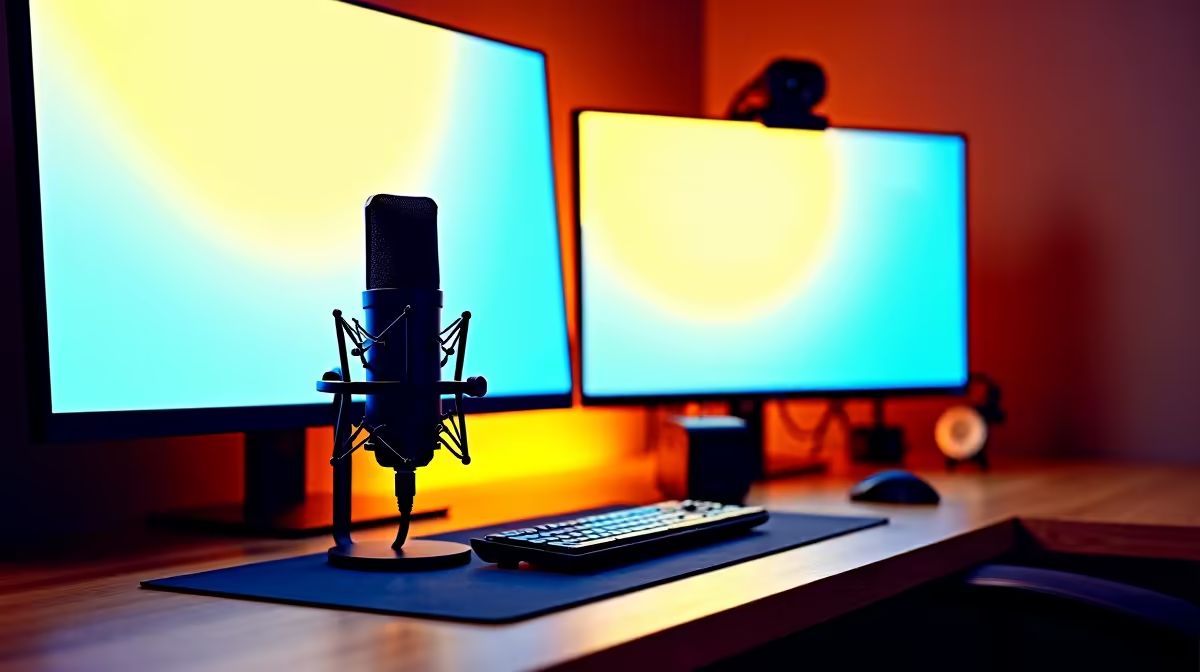
So, you’re ready to jump into the world of streaming from South Africa? Lekker! You’ve seen the local legends dominating in Warzone or building massive communities, and you’re thinking... "I can do that." The good news is, you absolutely can. Building the best streaming setup in South Africa isn't about spending a fortune. It's about making smart choices to get your voice and gameplay out there, loud and clear. Let's get you started. 🚀
The Heart of Your Streaming Setup: The PC
Before you even think about fancy lights or a green screen, you need a PC that can handle the "double duty" of gaming and streaming simultaneously. This is the core of your entire operation. Your PC needs to run your game smoothly while encoding your gameplay and sending it to platforms like Twitch or YouTube without turning into a slideshow.
The two most important components are your processor (CPU) and your graphics card (GPU).
- CPU: This is the brain. A strong CPU helps encode your stream, which is a heavy task. For a beginner streaming setup in South Africa, a modern 6-core processor is a fantastic starting point. Both Intel gaming PCs and their rivals offer excellent performance, so you can't go wrong with either camp.
- GPU: This is the muscle, rendering your game at high frame rates. Modern NVIDIA GPUs have a dedicated encoder (NVENC) that handles most of the streaming workload with very little impact on your gaming performance. It's a massive advantage for streamers.
While you're at it, don't skimp on memory. 16GB of RAM is the minimum you should aim for to keep everything running without a hitch.
Building Your First Streaming Setup on a Budget
Getting started doesn't mean you have to remortgage your house. Some of the biggest streamers began with humble gear. The key is to invest in a solid foundation—the PC—and build from there. You can find incredible value if you know where to look.
For many aspiring creators, finding a powerful yet affordable rig is the first major hurdle. Thankfully, you can get a machine that's more than capable of handling 1080p streaming without breaking the bank. Exploring powerful gaming PCs under R20,000 is a brilliant way to kickstart your journey with a machine that offers a clear upgrade path for the future.
If building a PC sounds intimidating, don't stress. Many beginners get overwhelmed by component choices. That's where pre-built gaming PC deals come in. These machines are professionally assembled, tested, and ready to go right out of the box, letting you focus on creating content instead of troubleshooting hardware.
First-Time Streamer Tip ⚡
When you first open free software like OBS Studio, run the "Auto-Configuration Wizard" (found under the Tools menu). It will test your hardware and internet connection to recommend the best settings for your specific streaming setup. This simple step saves hours of guesswork and ensures a smoother first stream!
Essential Gear Beyond the PC
Once your rig is sorted, a few key peripherals will elevate your stream from good to great. Remember, you can always upgrade later!
Crystal-Clear Audio: Your Microphone 🎤
Pro tip: Viewers will forgive pixelated video, but they will not tolerate bad audio. A crackling, muffled, or distant microphone is an instant turn-off. For a beginner, a quality USB microphone is the perfect choice. They are plug-and-play, affordable, and offer a massive audio quality improvement over any headset mic.
Looking Good on Camera: Your Webcam 📷
You don't need a professional DSLR camera to start. A solid webcam that can shoot in 1080p at 30 frames per second is more than enough for a facecam. Good lighting is actually more important than an expensive camera. A simple ring light or even just a well-positioned lamp can make a budget webcam look fantastic.
The Software That Brings It All Together
The magic happens in your broadcasting software. OBS Studio is the free, open-source standard used by countless professionals. It allows you to create scenes, add your webcam, capture your game, and manage alerts. It might look complex at first, but a few YouTube tutorials will have you up and running in no time. For those wanting a slightly simpler experience, Streamlabs Desktop is another popular free alternative built on top of OBS.
At the end of the day, the best streaming setup in South Africa is the one that you have right now. Start with a solid PC foundation, focus on clear audio, and just hit that "Go Live" button. The community is waiting. ✨
Ready to Go Live?
The journey to building your ideal streaming setup starts with the right PC. It's the engine for your creativity. Explore our massive range of gaming PCs and find the perfect machine to launch your channel.