


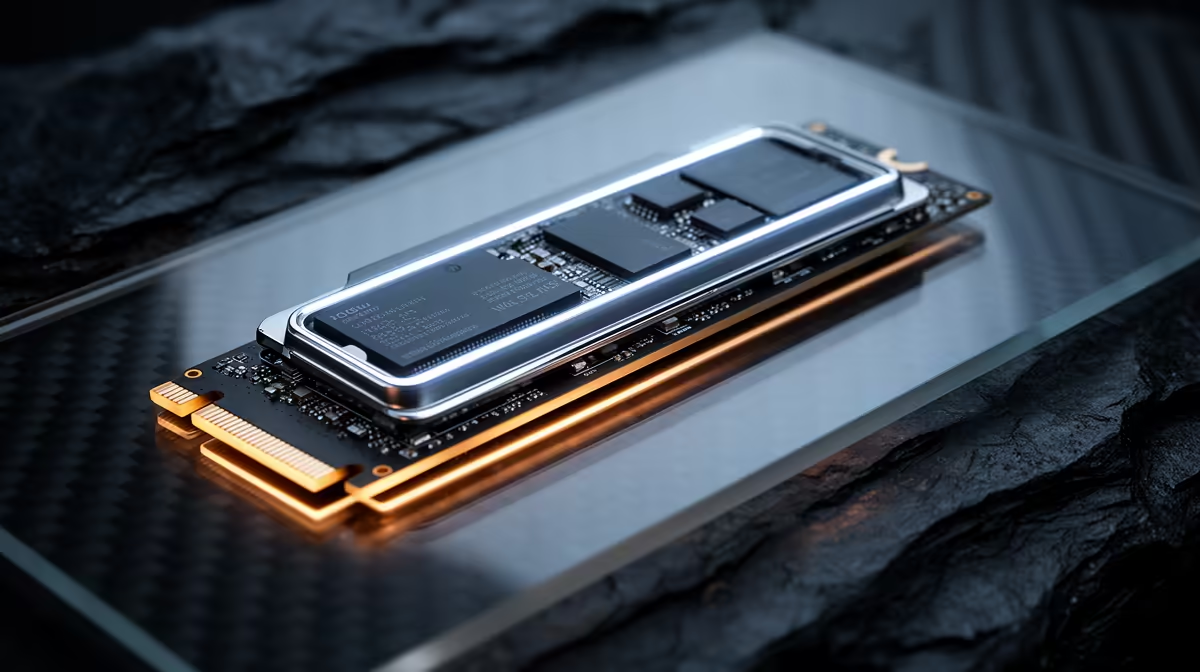
Staring at a loading screen feels like a special kind of torture, right? You've built a beast of a rig, but that progress bar is still crawling. The culprit might be your storage. Now, the big debate is heating up in the PC building world: PCIe 5.0 vs 4.0 SSD. Is the new tech a must-have upgrade that will obliterate load times, or is it just expensive overkill for most South African gamers? Let's break it down. 🚀
Speed on Paper vs. In-Game Reality
On paper, the difference between PCIe 5.0 and 4.0 SSDs is staggering. A typical PCIe 4.0 drive hits read speeds around 7,000 MB/s. That's already incredibly fast. A PCIe 5.0 SSD, however, can double that, pushing past 14,000 MB/s.
But here’s the reality check: will you feel that difference in-game? For now, not really.
Most current games are optimised for the speeds of older drives. While a PCIe 5.0 SSD might shave a second or two off a loading screen compared to a top-tier 4.0 drive, the difference isn't life-changing... yet. The real benefit of this next-gen speed is for professionals—video editors working with massive 8K files or data scientists crunching huge datasets. For them, the performance uplift is tangible.
The future, however, looks promising. With technologies like Microsoft's DirectStorage becoming more common, games will be able to stream assets directly from your SSD to your graphics card, potentially making the raw speed of a PCIe 5.0 SSD a massive advantage.
The Compatibility Question: Can Your Rig Even Handle It?
Before you rush to get the fastest drive on the market, you need to ask a critical question: does your PC support it? A PCIe 5.0 SSD requires a compatible ecosystem to unlock its full potential. This isn't just a plug-and-play situation.
You'll need two key components:
- A modern CPU: For Intel, that means 12th Gen or newer. For AMD, you're looking at the Ryzen 7000 series and beyond.
- A compatible motherboard: This is the most important piece of the puzzle. You can't just slot a Gen 5 drive into any board. You need the right motherboard with a dedicated M.2 slot that supports the PCIe 5.0 standard.
Most new latest Intel motherboards (like Z790 series) and compatible AMD motherboards (X670/B650 and newer) offer at least one PCIe 5.0 M.2 slot. Always check the spec sheet before you buy! 🔧
Check Your Slots! ⚡
Not all M.2 slots on a motherboard are created equal. Often, only the top slot closest to the CPU will be the fastest (e.g., PCIe 5.0), while others might be PCIe 4.0 or even 3.0. Check your motherboard's manual to see which slot offers the best performance for your primary drive to avoid bottlenecking your brand-new SSD.
PCIe 5.0 vs 4.0 SSD: The Verdict for South African Gamers
So, what's the final call in the PCIe 5.0 vs 4.0 SSD showdown for someone building or upgrading a PC in South Africa today?
For the vast majority of gamers and everyday users, a high-quality PCIe 4.0 SSD is the undisputed champion of value. The prices have become incredibly competitive in ZAR, and their performance is more than enough to deliver lightning-fast boot times and snappy game loads. You get 95% of the practical benefit for a fraction of the cost. ✨
A PCIe 5.0 SSD is for the enthusiast who wants to be on the bleeding edge, the professional whose workflow can actually use the extra bandwidth, or the builder who is future-proofing their rig for the next 3-5 years. The cost is significantly higher, and you'll need the latest platform to support it.
Ultimately, the choice depends on your budget and your needs. Are you optimising for today's value or tomorrow's potential?
Ready to Obliterate Loading Screens? Whether you're maxing out with a top-tier PCIe 4.0 drive or future-proofing with the insane speed of PCIe 5.0, the right storage is key. Explore our massive range of Solid State Drives (SSD) and find the perfect upgrade for your rig.










