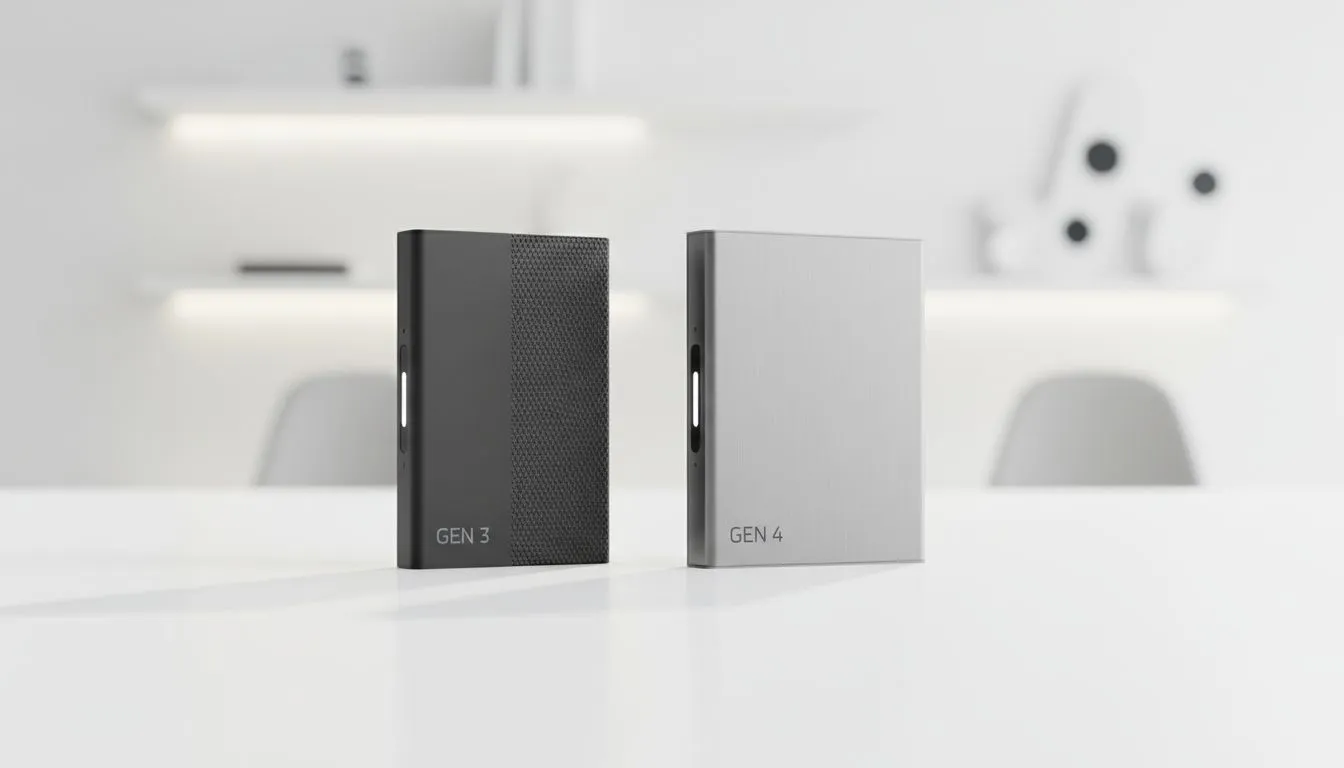
You’re staring at your PC build list, juggling specs and prices. Then you hit the storage dilemma... PCIe Gen4 or Gen3? The Gen4 drives promise mind-blowing speeds, but they often come with a slightly higher price tag in ZAR. Is the performance leap from PCIe Gen3 to Gen4 something you’ll actually feel in your games and daily tasks, or is it just a bigger number on the box? Let's settle the debate for 2025.
The Core Difference: Understanding PCIe Gen4 vs Gen3 Speeds
At its heart, the debate of PCIe Gen4 vs Gen3 is all about bandwidth. Think of the PCIe interface as a highway for your data. PCIe Gen3 offers a certain number of lanes, letting data travel at impressive speeds. PCIe Gen4 effectively doubles the number of lanes on that highway.
This means a typical Gen3 NVMe SSD maxes out at around 3,500 MB/s. That’s incredibly fast! But a Gen4 drive can push past 7,000 MB/s, with some newer models even approaching 10,000 MB/s. While these are theoretical maximums, the performance potential is massive. This technological leap is what defines the evolution of modern solid-state drives.
Real-World Performance: Where Does Gen4 Actually Shine? 🤔
Theoretical speed is one thing, but what does it mean for your daily use here in South Africa? The answer depends entirely on what you do with your PC.
For the Gamers
Here’s the hard truth: for most gaming scenarios right now, the difference between a high-quality Gen3 and a Gen4 SSD is minimal. You might see a loading screen finish a second or two faster, but that’s often it. However, the future is where Gen4 holds a trump card. Technologies like Microsoft’s DirectStorage, which allows the GPU to directly stream assets from the SSD, are designed to leverage Gen4 speeds. Buying a Gen4 drive today is a smart move for future-proofing your rig against the next generation of games, and you can find some fantastic top-tier NVMe SSDs that are ready for the challenge.
For the Creators and Power Users ⚡
This is where the PCIe Gen4 vs Gen3 comparison becomes crystal clear. If you’re a video editor working with 4K or 8K footage, a 3D artist rendering complex scenes, or anyone who regularly moves massive files, Gen4 is a massive quality-of-life upgrade. Scrubbing through timelines is smoother, project files load in a flash, and transferring gigabytes of data takes seconds, not minutes. This is especially true if you're moving files between your internal drive and high-speed external SSDs. For these users, the time saved directly translates into more productivity.
Compatibility Check! 🔧
Before you buy a PCIe Gen4 SSD, make sure your motherboard supports it! For AMD, you'll need a B550, X570, or newer chipset. For Intel, you'll generally need a Z590 or newer motherboard. Plugging a Gen4 drive into a Gen3 slot will work, but it will be limited to Gen3 speeds.
The Rand Value: Is the Price Gap Still a Big Deal?
A few years ago, the price difference between a Gen3 and Gen4 drive was significant. Today? The gap has closed dramatically. As manufacturing has matured, the cost of Gen4 technology has plummeted. You can often find a 1TB PCIe Gen4 drive for only a few hundred Rand more than its Gen3 counterpart.
When you weigh the small extra cost against the massive performance ceiling and future-proofing benefits, the value proposition for Gen4 becomes very strong, especially for new builds. It's always a good idea to check out the latest SSD deals, as you might find a Gen4 drive on special for the price of a Gen3.
The Verdict: Which SSD Should You Buy in 2025?
So, is the price difference for a PCIe Gen4 SSD worth it? For most people building a new PC in 2025, the answer is a resounding yes.
- Go for PCIe Gen4 if: You're building a new mid-to-high-end PC, you're a content creator, or you want to be ready for next-gen gaming technologies. The small extra cost is a worthwhile investment.
- Stick with PCIe Gen3 if: You're on a very tight budget, or you're upgrading an older system that doesn't support Gen4 speeds. A good Gen3 drive still offers fantastic performance for general use and most current games.
Ultimately, both options are excellent upgrades over older SATA SSDs or mechanical hard drives. The choice comes down to balancing your budget with your performance needs, and you can browse all our SSD components to find the perfect fit for your machine.
Ready to Supercharge Your Rig?
The PCIe Gen4 vs Gen3 debate comes down to your specific needs and budget. Whether you're after maximum value or bleeding-edge performance, the right drive is waiting. Explore our massive range of NVMe SSDs and find the perfect storage to conquer your world.