Is your PC feeling a bit sluggish? Staring at a Windows loading circle or a game's splash screen for what feels like an eternity? You're not alone. For many South African gamers and creators, the bottleneck isn't the CPU or graphics card… it's the old-school hard drive. This guide settles the SSD vs HDD South Africa debate once and for all, showing you why a storage upgrade is the most impactful change you can make to your rig. 🚀
The Core Difference: Mechanical vs. Digital
Before we dive into performance, let's get the basics right. Understanding the tech behind the SSD vs HDD choice makes the decision much clearer.
Traditional Hard Disk Drives (HDDs)
Think of an HDD like a tiny, high-tech record player. It uses a spinning magnetic disk (a platter) and a mechanical arm that moves back and forth to read and write data. It's proven technology and offers massive storage capacity for a relatively low price, which is why many PCs still use them. For archiving large files like movies or photos, traditional hard drives are still the undisputed kings of cost-per-gigabyte.
Solid-State Drives (SSDs)
An SSD has no moving parts. None. Zilch. It uses flash memory chips, similar to what's in your smartphone or a USB stick. This fundamental difference is what gives it a colossal speed advantage. Because it can access any piece of data instantly without waiting for a platter to spin into position, the performance leap is staggering.
Speed Kills Lag: The Real-World Impact ⚡
So, what does this speed difference mean for you, the user? In the SSD vs HDD South Africa showdown, performance is everything.
- Boot Times: An SSD can boot up Windows in seconds, while an HDD can take a minute or more.
- Game Loading: Say goodbye to long loading screens between levels in games like Cyberpunk 2077 or Baldur's Gate 3. An SSD can slash these times by 50-80%.
- General Snappiness: Applications open instantly. Files transfer in a flash. Your entire PC just feels more responsive and modern.
For anyone serious about performance, the choice is clear. Upgrading to one of our Solid-State Drives (SSDs) is the most noticeable upgrade you can buy.
Not All SSDs Are Created Equal: NVMe vs. SATA
Okay, you're sold on an SSD. But now you see terms like "NVMe" and "SATA". What's the deal?
SATA SSDs
These typically come in a 2.5-inch rectangular case and connect to your motherboard via a SATA cable (the same one your old HDD likely uses). They are a fantastic entry point into the world of solid-state storage, offering speeds around 550MB/s—roughly 4-5 times faster than a typical HDD. These versatile 2.5-inch SATA SSDs are compatible with almost any desktop or laptop, making them a super easy upgrade.
NVMe M.2 SSDs
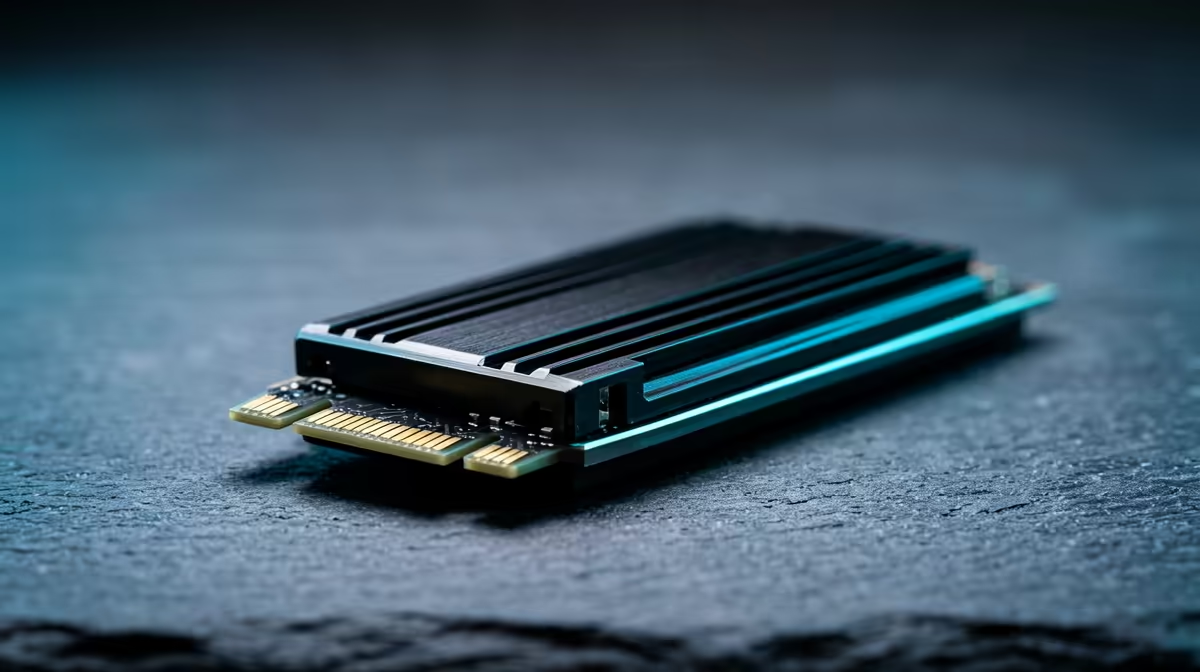
This is the pinnacle of performance. NVMe (Non-Volatile Memory Express) drives look like a small stick of RAM and plug directly into an M.2 slot on your motherboard. By bypassing the older SATA interface, they can achieve mind-blowing speeds. A good Gen4 NVMe drive can hit speeds of over 7,000MB/s... that's more than 12 times faster than a SATA SSD and nearly 50 times faster than an HDD. For pro-level gaming, video editing, and pure speed, blazing-fast NVMe SSDs are the ultimate choice.
Cloning Pro Tip 🔧
Upgrading from an HDD to an SSD doesn't mean you have to reinstall Windows from scratch. Use free software like Macrium Reflect or CloneZilla to create an exact copy (clone) of your old drive onto your new SSD. It saves hours of setup and gets you back in the game faster.
The Smart Choice for South African Budgets
Let's be real, price matters. While SSDs have become much more affordable, a high-capacity 4TB HDD can still be cheaper than a 1TB SSD. So what's the smartest play?
The hybrid approach.
This is the most popular and cost-effective solution for South African builders.
- Primary Drive (SSD): Get a fast 500GB or 1TB NVMe SSD. Install your operating system (Windows) and your most-played games or critical applications on it. This gives you lightning-fast boot times and responsiveness where it counts most.
- Secondary Drive (HDD): Add a large 2TB or 4TB HDD for mass storage. This is the perfect home for your movie collection, photos, documents, and games you don't play as often.
This setup gives you the best of both worlds: incredible speed for your daily tasks and tons of cheap storage for everything else. It’s the ultimate PC upgrade path without breaking the bank. Ready to find a great price? It's always a good idea to check out the latest SSD deals to see what's on special. ✨
Ready to Unleash Your PC's True Speed?
The SSD vs HDD debate is clear: for speed, an SSD is the single best upgrade you can make. From budget-friendly SATA drives to top-tier NVMe models, we have the perfect fit for your rig. Explore our massive range of PC components and leave loading screens in the dust.