AIO pump RPM reads zero. Your firmware shows 0 RPM and you do not know if the pump stopped. Treat an unchecked zero as a reason to stop and trace the right cable.
Quick Answer
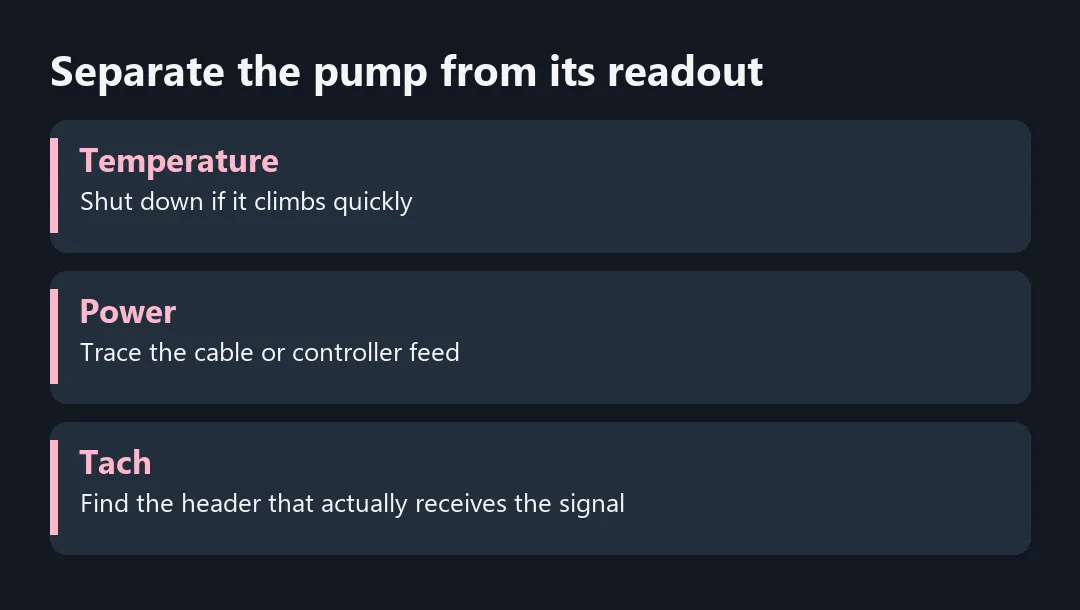
If your AIO pump RPM reads zero, stop if CPU temperature is rising and check the pump power and tach cables with the PC off. The first inspection costs R0. A zero on an unused header cannot tell you pump speed.
🔍 Identify the header you are reading
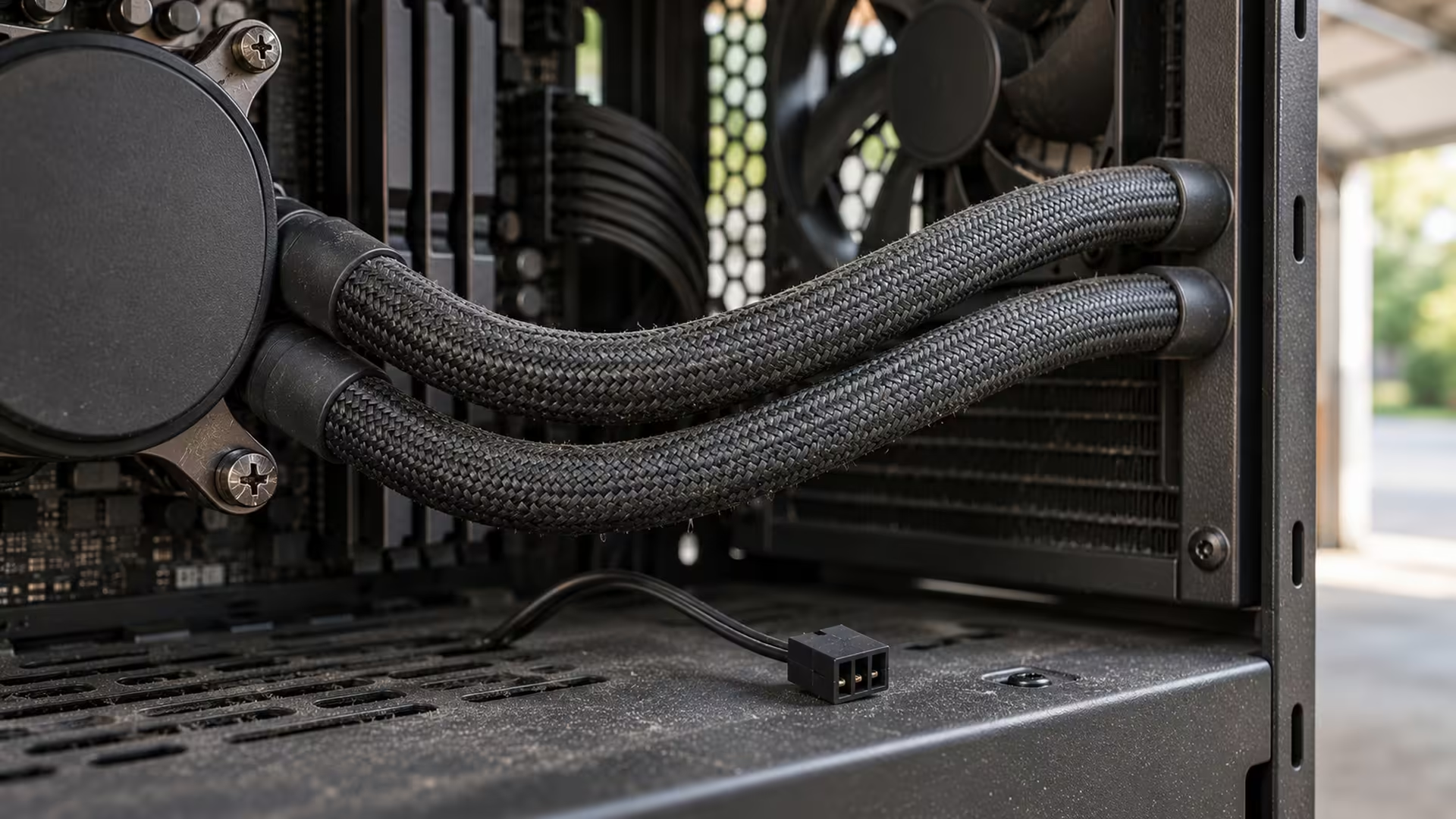
Open the motherboard and cooler manuals to the wiring diagrams. Write down the header name on the firmware screen, then compare it with where the cooler's reporting lead is supposed to connect. Some coolers use a separate connector to power the pump and send the speed reading elsewhere. A pump lead can also go to a cooler hub instead of the motherboard. Keep the diagram open while you trace the wires.
If you have clear evidence of rising CPU temperature, power down and leave the machine off during the wiring check. Avoid running a game or benchmark to see whether the reading changes. You want a short diagnostic after you have checked the connections.
🔌 Follow power and reporting separately
With the PC off and unplugged, trace the pump cable from the cooler to its destination. On a model with separate power, trace that lead and the speed lead as separate paths. Inspect any required hub connector too. Use the manual to identify each connector before reseating anything. A radiator fan can be spinning while the pump has its own problem.
Look at All Motherboards if you need the exact board information and All CPU Coolers only if you need to compare replacements or find the cooler family. Keep the names and connector labels in your notes before you change a setting.
🌡️ Decide when to stop testing
When you have checked the wiring, use the cooler maker's next diagnostic for a short confirmation. If a temperature climbs unusually fast or the maker's app reports a pump fault, shut the PC down. Keep a photo of the wiring and a record of the header and readings for support.
A normal temperature reading during a quick check does not certify that the pump is healthy. If the cooler manual sends the tach signal to CPU_FAN, reading an empty AIO_PUMP entry may simply give you a zero for the wrong place. Find the real reporting channel and keep the board's protection settings in place while you diagnose.
Frequently Asked Questions
Why does an unused fan header show zero?
Nothing provides the tachometer signal on that header.
Can fans turn while a pump fails?
Yes. The radiator fans and pump can have separate connections.
Can I keep playing to test it?
Stop if the temperature climbs or you cannot confirm cooler operation.
Is the small tach lead always pump power?
Check the cooler diagram. Designs with a hub or separate power can report RPM separately.
Where should I check the correct header?
Read the motherboard diagram and the cooler installation guide for your exact models.
Should I disable the warning first?
Keep the warning in place while you confirm pump power and locate the reporting lead.
Separate the pump from its readout
Inspect the cooler and its readout before ordering replacement parts. Compare compatible options at Evetech.