Roblox error 279. Error 279 usually appears while the game tries to join an experience. A second experience and a second connection tell you more than repeating the same attempt.
Quick Answer
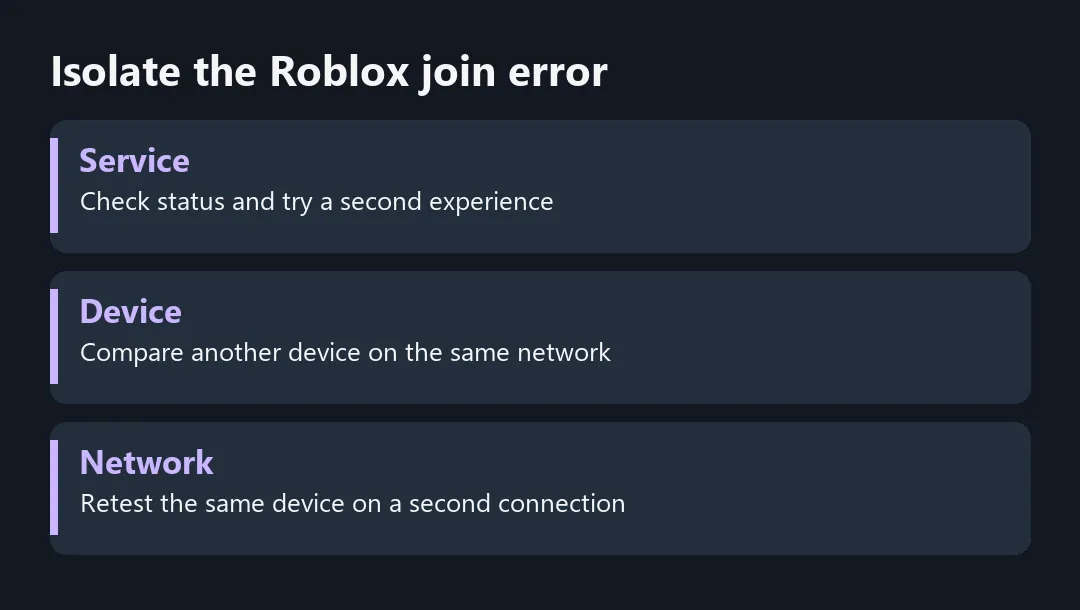
Roblox error 279 usually means the client could not connect to the game server. Check service status and try a second experience on the same device, then a second connection if available. Those first checks can cost R0.
🧭 Find out how broad the failure is
Try an experience you know normally works. If only one experience fails, note its name and the time. Check the status page for an incident and try again later if the service is reporting one. An isolated problem with one experience gives you less reason to change your home network.
If everything fails to join, compare with a second device if you have one. Use the same connection for that test. If the other device works, focus on the original client's settings or installation. If both fail, test another connection before you conclude that either device is broken.
🔌 Try a controlled network change
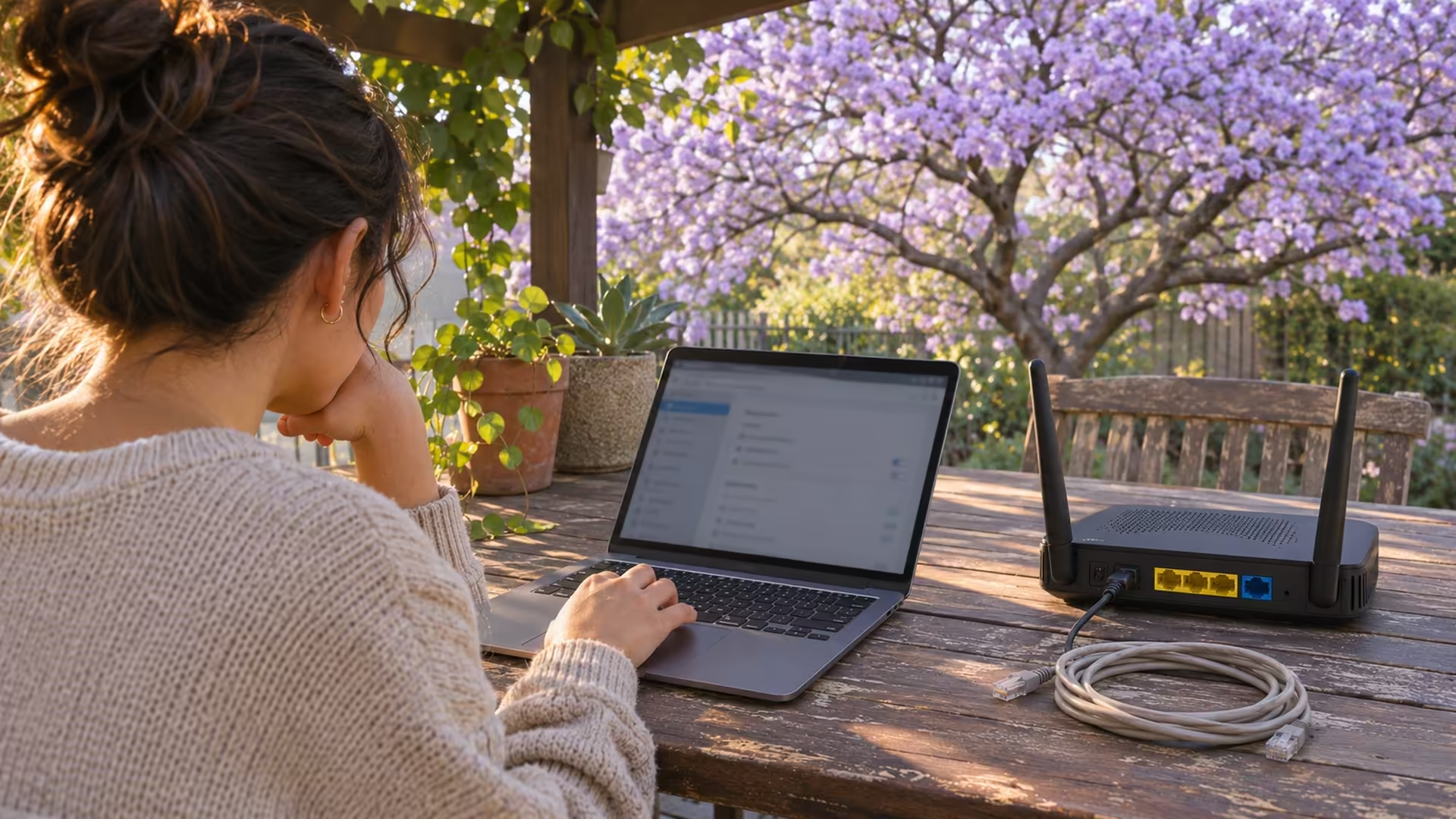
Use Ethernet if your PC has a port and you already have a cable. Compare the same experience and device. If you switch to mobile data to isolate a failure, keep the trial short and check your balance first. A hotspot session that joins can give you a useful data point without running a full gaming session.
Write down which network connected and whether browsing worked on the first connection. If the failure returns on the first network across devices, that is useful information for your provider. It may save time when you describe the error and the tests you ran.
🛠️ Repair only the failing layer
Roblox has platform-specific directions for reinstalling the client. Follow the directions for the device that failed if connection tests work elsewhere. Make sure you know how to sign in again. Retry one experience before changing other settings so you can tell what fixed the issue.
If you see the same connection problem at the same point in the house in several apps, compare Wireless Routers only after testing coverage with your own hardware. Network Cables are an option when a direct test improves the result and you want a permanent link. Wait out a reported outage before judging the router.
Frequently Asked Questions
What does Roblox error 279 mean?
The client had trouble establishing a connection to the game server.
Should I try another experience?
Yes. It helps distinguish a single experience issue from a broader failure.
Does a working web page rule out the network?
No. Test the same game from another connection to gather more evidence.
Can I use a hotspot for the comparison?
Yes, if you have data available. Keep the trial short.
When should I reinstall Roblox?
Try it if other checks point to the client on one device. Follow the steps for that platform.
Should I buy a router because of this code?
Check status, test another experience and compare connections before you spend anything.
Isolate the Roblox join error
Check the game connection before paying for a new router or data bundle. Compare compatible options at Evetech.