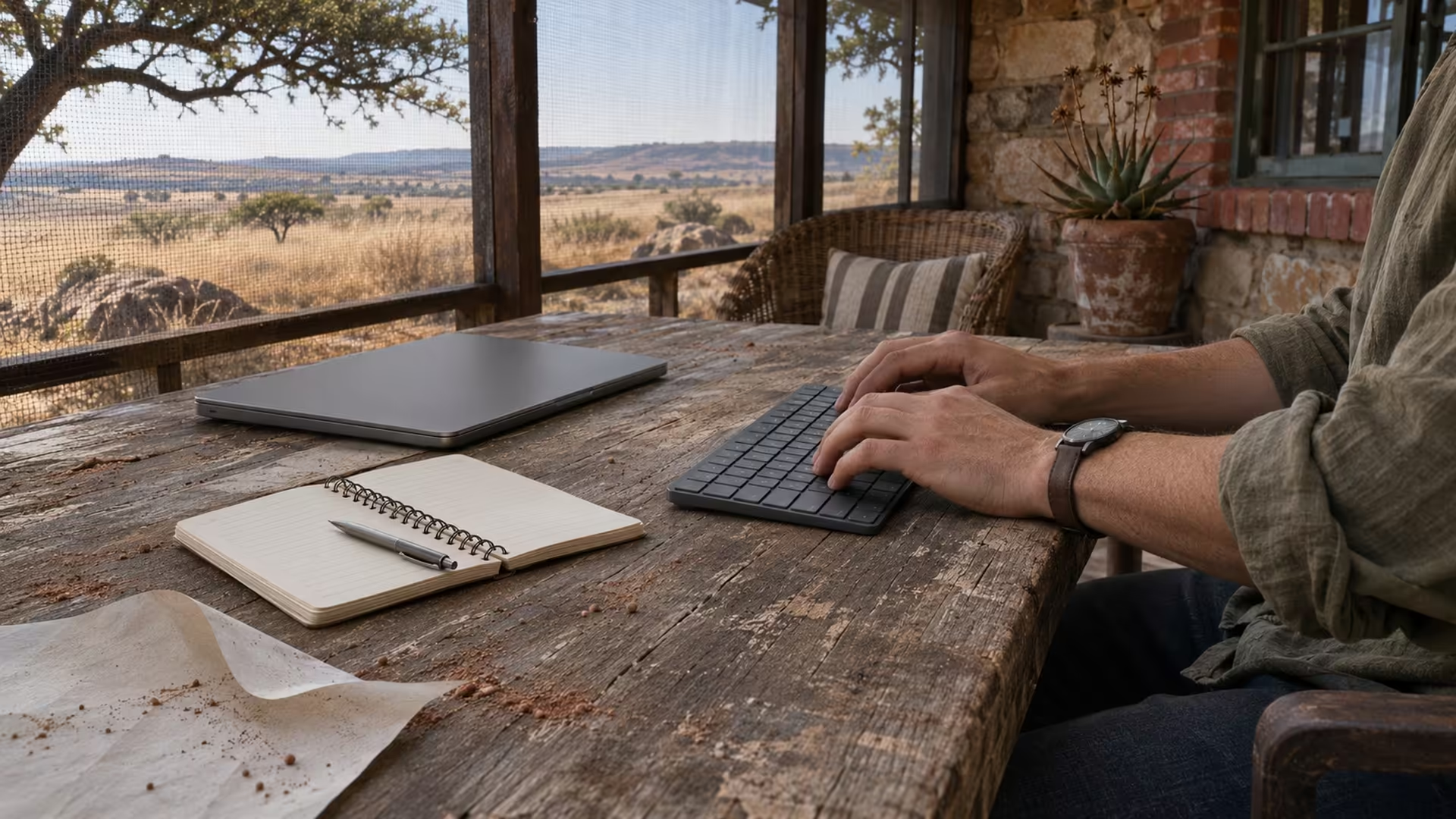
Bluetooth keyboard repeats keys. A single tap types two letters, or a held movement key keeps going after you let go. Those symptoms call for different tests.
Quick Answer
If your Bluetooth keyboard repeats keys, test a single key in a blank document and switch to a different supported connection if possible. Both checks cost R0. Repeating only over Bluetooth is evidence to check the link before replacing switches.
✍️ Reproduce one kind of repeat
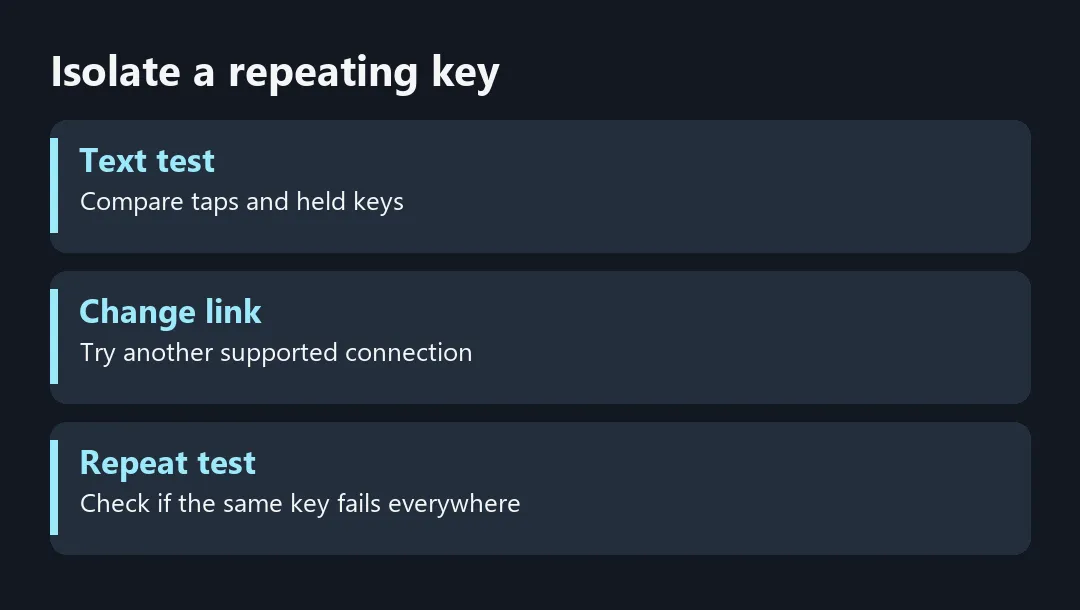
In a blank document, tap a suspect key ten times with a visible pause between taps. Try a second key and repeat the test in another application. Record whether the repeat comes from a single press or from deliberately holding the key. A held key can repeat through normal operating system behaviour. Count extra letters only during the single-tap test.
If you first noticed the problem in a game, compare that result with the text test. Check whether the game's binding runs the same action while you hold the key down. Keep other settings as they are until you can describe what repeats and where it happens.
🔋 Try a second connection path
Recharge the keyboard or fit fresh batteries if your model uses replaceable cells. Test close to the machine with a clear path. If the keyboard supports USB data or a separate receiver, try that mode and turn Bluetooth off on the keyboard before retesting. A charging-only USB cable may leave your input on Bluetooth.
Use the same keys and application for each trial. A repeat that follows one particular key in two modes can justify checking the switch or keyboard. If several keys have the fault only over Bluetooth, remove the keyboard from Windows Bluetooth settings and pair it again. Microsoft also provides a Bluetooth troubleshooter.
⚙️ Leave accessibility settings for last
Filter Keys can make repeated or brief keystrokes register differently. Note its current setting before trying a change. Consider what else it affects if you use the same machine for games and typing. If you turn it on and a keyboard still misbehaves on another device, the setting has only changed the test on your first machine.
Look at Gaming Keyboards when the fault follows the keyboard across devices and connections. Confirm which modes the replacement supports. Compare Keyboard & Mouse Combos if you need both parts and want a shared receiver. A second connection mode can be useful for your next diagnostic.
Frequently Asked Questions
Should a held key repeat?
It can. Run single-tap and held-key tests separately.
Why switch from Bluetooth to cable?
It can help show whether the symptom follows the connection or the key.
What if USB only charges the keyboard?
Check the manual for USB data mode or use a supported receiver.
Will Filter Keys repair the switch?
It changes the way Windows handles input. It cannot repair a physical switch.
Should I remove and re-pair the device?
Try it after charging and testing nearby if the symptom appears only over Bluetooth.
When should I price a replacement?
Compare replacements if the repeat follows the board across connections and devices.
Isolate a repeating key
Separate a Bluetooth issue from a faulty keyboard using equipment you already have. Compare compatible options at Evetech.