iPhone alarm volume settings. Your video sounds loud but the alarm barely wakes you. Find the alarm that is actually scheduled and change its volume control.
Quick Answer
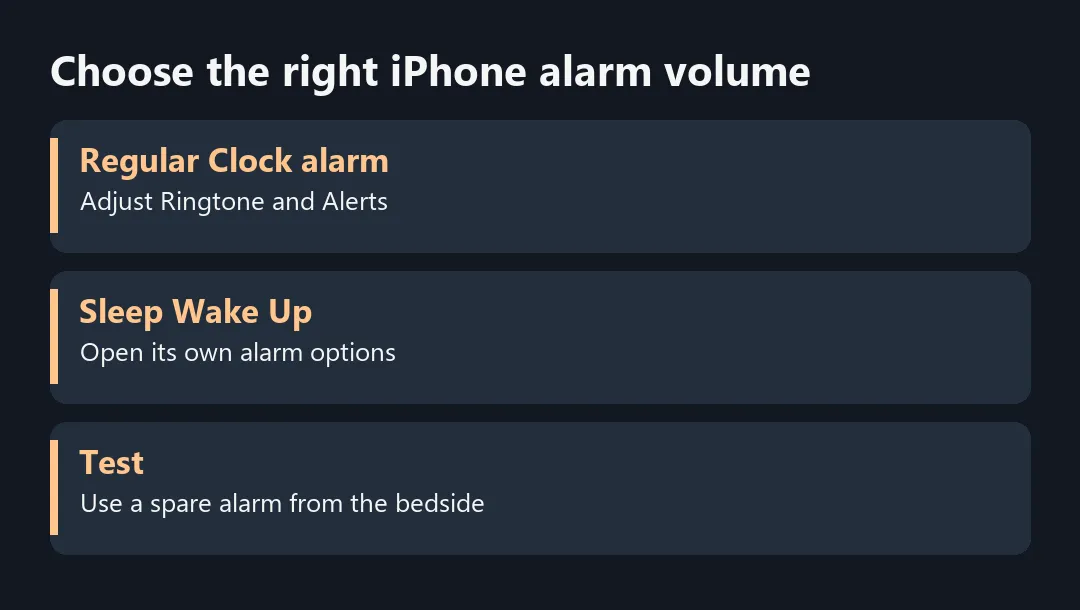
For iPhone alarm volume settings, use Settings > Sounds & Haptics > Ringtone and Alerts for a normal Clock alarm. Change a Sleep Wake Up alarm in its own alarm options. Testing with a spare alarm costs R0.
⏰ Find which alarm you actually use
Open Clock and look at the alarm you expect to wake you. Check the day, time and whether you are editing a regular alarm or the Sleep Wake Up entry. Make sure the regular alarm has a sound you can recognise. Choose a practice time a few minutes from now so you can confirm which alarm rings without disturbing the one you need tomorrow.
Start from the alarm list instead of using video playback as a volume test. The media volume can change without giving you a useful preview of the alarm. Listen to the alarm itself from where you normally leave the phone.
🔊 Set volume in the right place
For a regular Clock alarm, open Settings, then Sounds & Haptics. Move the Ringtone and Alerts slider and run the practice alarm. If you allow the side buttons to change alert volume, check the resulting setting after using those buttons. If a sound is hard to hear, try another one at the same volume before deciding the speaker is too quiet.
For a Sleep Wake Up alarm, use Change on the wake-up entry and find its alarm options. Apple lets you adjust its alarm volume there. Check whether you are editing the next alarm or the wider schedule before you save.
🛏️ Test from the same place you sleep
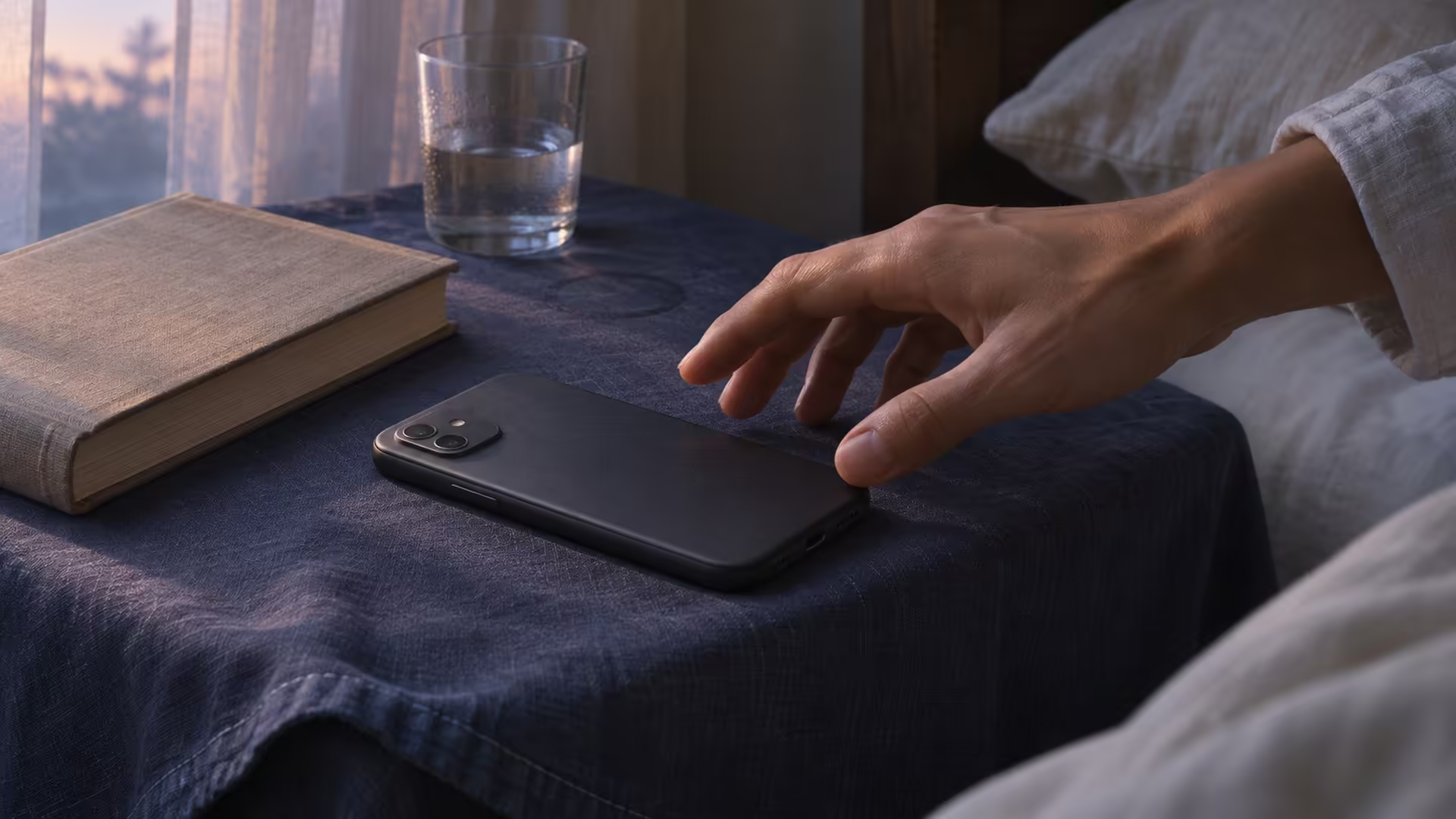
Set the phone on the surface where you usually charge it, with the speaker clear of anything that muffles the sound. Run the test with the phone locked and stand where you expect to hear it. Check the next alarm in Clock before bed. If you share a room, try a different alarm sound before raising the volume further.
Use the built-in speaker during this setup test so you know what the phone does on its own. If you move your phone away from the bed to keep yourself from scrolling, check that you can still hear it. Use Cable Solutions if you need a charging cable that reaches the new spot. Run the first test without All Headsets connected.
Frequently Asked Questions
Which slider controls a normal alarm?
Use Ringtone and Alerts under Settings > Sounds & Haptics.
Where does the Sleep Wake Up alarm set volume?
Open the Wake Up alarm settings through the sleep alarm entry and find its volume control.
Is media volume the same control?
Use the alarm settings and listen to an actual alarm to check the result.
How do I test without changing tomorrow's alarm?
Create a separate practice alarm a few minutes away and check the scheduled alarm afterward.
Should I check the alarm sound?
Yes. Select a sound and confirm that you recognise it at the chosen level.
Does a schedule edit affect future mornings?
Check whether the screen is changing the next alarm only or the wider sleep schedule.
Choose the right iPhone alarm volume
Locate both volume controls and test at home before relying on the alarm. Compare compatible options at Evetech.