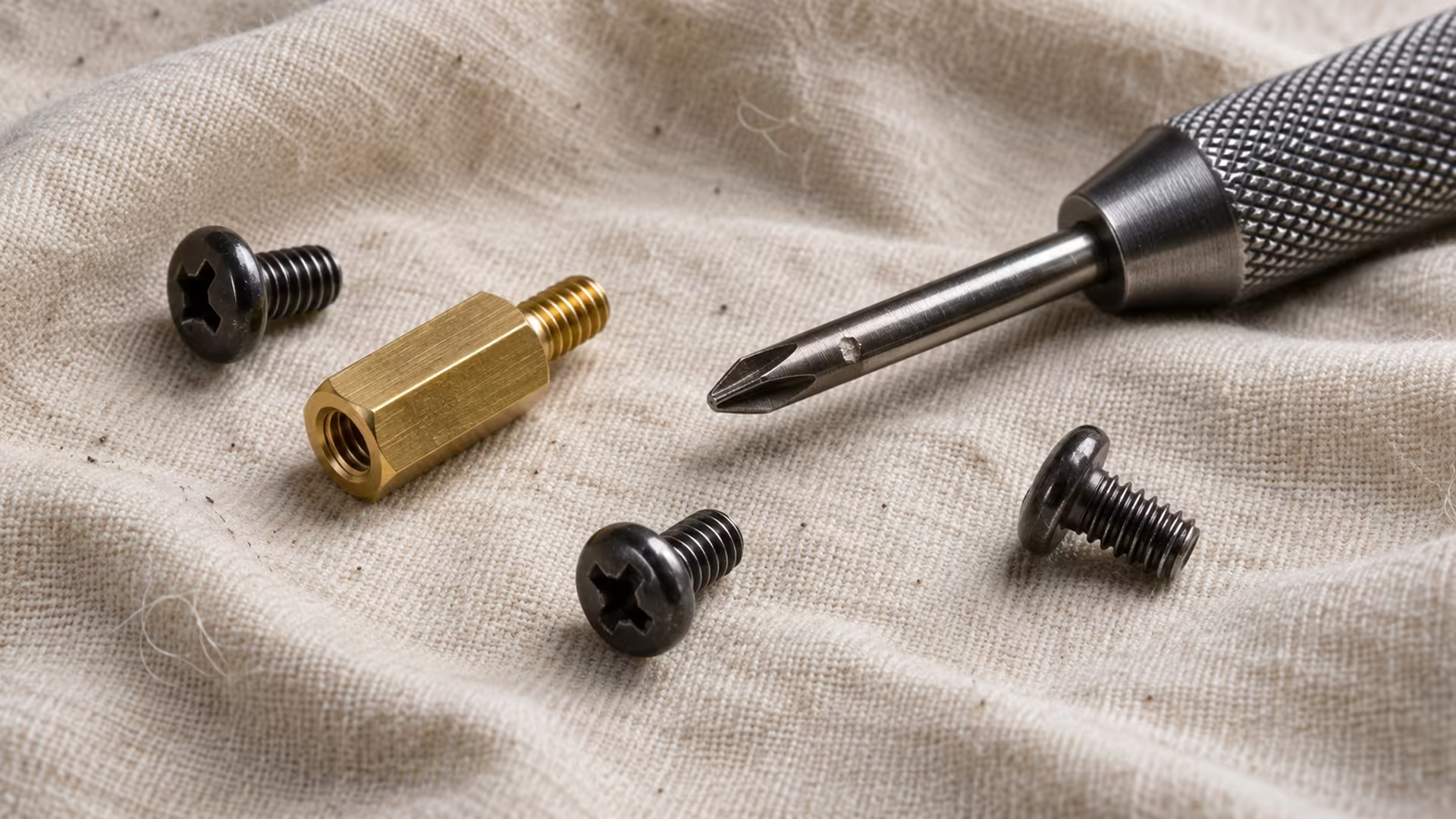
M.2 SSD screw spins. The drive has slid into the slot but the little screw keeps turning. Stop before the tool slips or the PCB flexes.
Quick Answer
If your M.2 SSD screw spins, shut down and unplug the PC, remove pressure from the drive and check whether the standoff turns with the screw. That check costs R0. Use the mounting hardware specified for the board.
🔧 Check which part moves
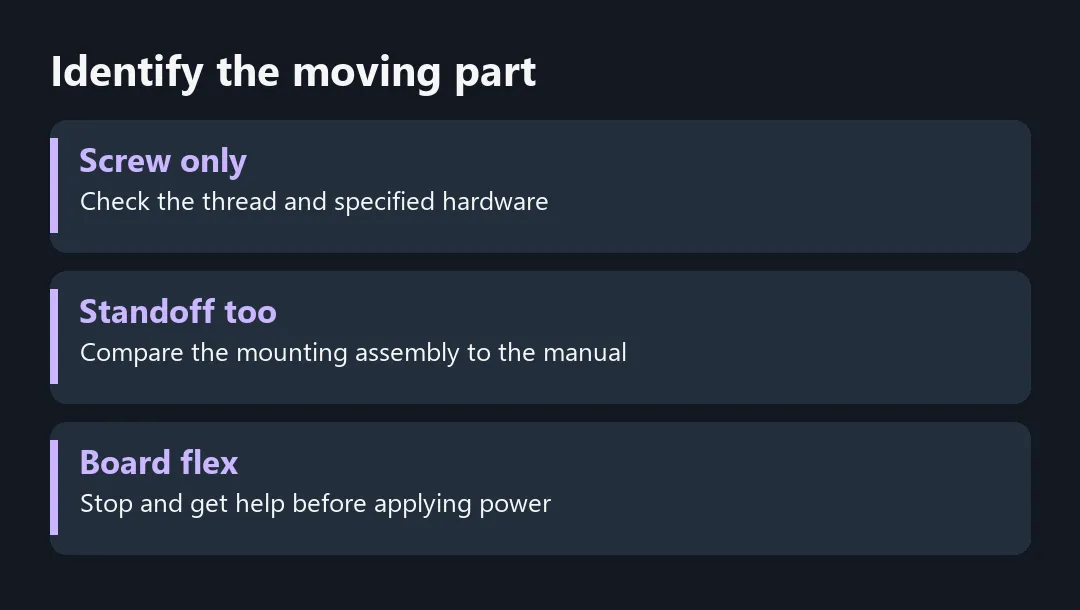
After switching off and unplugging, move the machine somewhere you can see the screw clearly. The small screw normally retains a module and the standoff holds its end at the intended height. Watch which part moves without adding force. If the standoff moves too, you have learned something different from a screw that will not bite in a stationary standoff.
Take a close photo before moving parts so you can compare the position with the board manual. If a threaded insert moves with the PCB or the drive starts to bend, stop. Do not lever the module up with the screwdriver or try to force the screw past resistance.
📏 Match the mounting position
Compare the drive length, motherboard mounting position and heatsink instructions for the exact slot. A slot can support more than one length with different mounting positions. Some boards use a latch or a combined heatsink retainer. Use the instructions for the slot you are working in and keep the removable screws apart.
If a small screw came loose in the case, find it before powering the board. Check the accessories that came with All Motherboards and compare your printed model number with the manual. The drive should sit at its intended height. Compare lengths across NVMe SSDs if you have not chosen a drive for the slot yet.
🛒 Get the right part before trying again
Ask for the mounting kit or exact part named by the board maker if the correct screw is missing or fits poorly. Avoid picking a screw because the head is the same width. The length and thread can differ. A screw that stops while the drive is still loose may be bottoming out or may be the wrong part.
Keep the old SSD in use if it gives you a working machine. That gives you time to source the proper hardware and protects the new drive. After the module is fixed without bending and the heatsink fits as the manual shows, reassemble before checking drive detection.
Frequently Asked Questions
Does a spinning screw mean the SSD is faulty?
It points first to a mounting problem. Check the screw and standoff separately.
Can I use a longer case screw?
Use only hardware that matches the motherboard instructions for the slot.
Does every board use a screw?
No. Some use a latch or integrate a retainer with the heatsink.
What if the standoff is moving?
Stop applying pressure and compare the assembly with the board manual.
Can I leave a loose screw in the case?
Find and remove it before returning power.
Can I turn the PC on with the drive bent?
Reinstall the drive with the right support before applying power.
Identify the moving part
Diagnose the mount without buying a second drive or forcing the board. Compare compatible options at Evetech.