


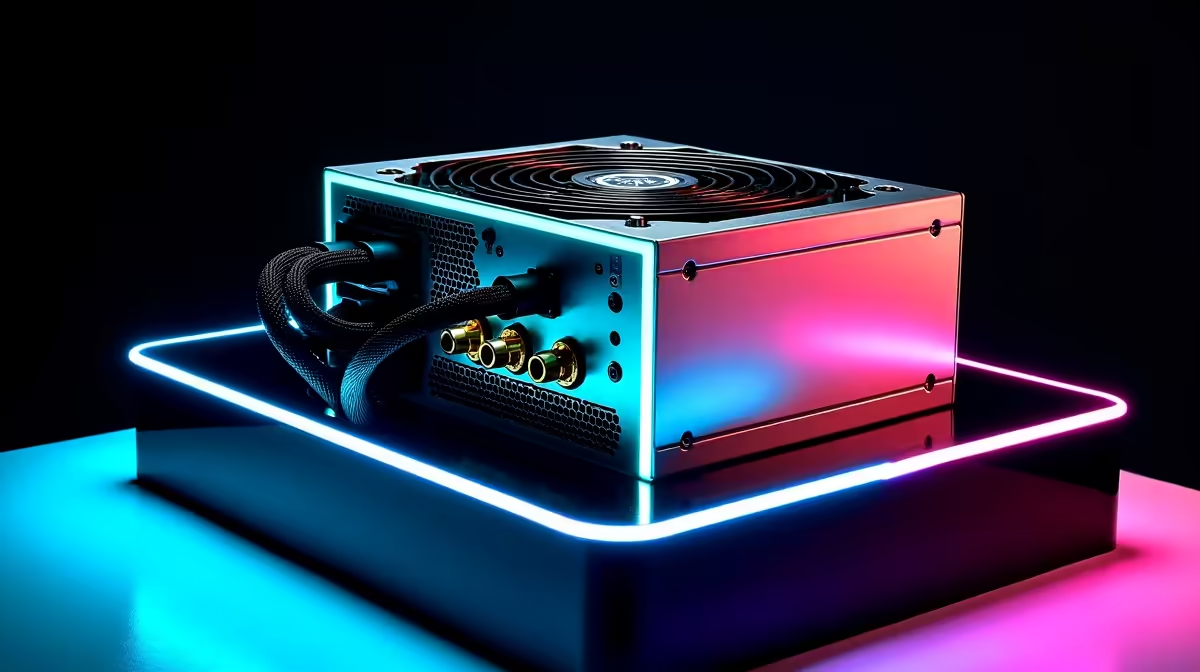
You hit the power button... and nothing happens. Or worse, your diagnostic software flashes a frustrating error. Trying to fix PSU not detected errors can send any South African gamer into a panic. Power drops cause serious wear and tear over time. Unpredictable grid surges take a heavy toll on our hardware. Knowing how to troubleshoot your power supply is essential. Let us get your rig back online quickly.
Understanding Power Supply Errors ⚡
Usually, a standard power supply lacks a data connection. If your system prompts you to fix PSU not detected, it is usually a software issue. It means monitoring software cannot read the digital sensor data. This usually happens with premium smart power supplies. Sometimes it is just a loose internal USB header cable.
Did you recently buy one of our pre-built desktop computers? Carefully open the side panel to inspect it. Check that all internal communication cables are seated firmly. A quick cable reseat often solves the software glitch instantly.
Reliable Everyday Performance
If your system is completely unresponsive, the issue is physical. South African power grids are notoriously unstable. A massive surge after an unexpected outage can fry unprotected units. Start by checking the wall socket and your kettle cord. Ensure the physical switch on the back is turned on.
Do you travel often to avoid power cuts entirely? Browsing reliable notebooks for sale might be a safer bet. A laptop battery acts as a built-in UPS. This ensures uninterrupted work and gaming during stage six blackouts.
Troubleshooting Pro Tip 🔧
Before buying new parts, try the paperclip test. Disconnect all cables from your motherboard and drives. Bridge the green wire and a black wire. Use a standard paperclip on the 24-pin connector. Make sure the power cord is plugged in. If the fan spins, the unit is likely alive.
Time for a Replacement?
Sometimes the damage is sadly permanent. Does your unit fail basic tests or smell faintly burnt? Do not risk your other expensive components. A faulty power delivery system can destroy your graphics card. It can also fry your motherboard in milliseconds.
It is significantly cheaper to invest in quality power supplies. This is much better than replacing an entire damaged system. Always look for an 80 Plus Gold or Platinum rating. These offer superior protection against ZAR-draining voltage spikes.
Upgrading Your Setup 🚀
Is your current rig already aging? A dead power unit might be the perfect upgrade excuse. Building a new PC is always an exciting journey. It lets you enjoy the latest titles at maximum settings. Modern components also feature much better overall power efficiency.
You can often find incredible value online. Check out our daily tech specials to save some ZAR. Maybe you want a complete system with a comprehensive warranty. Exploring the best gaming PC deals takes the stress out. A fresh system means zero power headaches.
Troubleshooting power issues does not have to be a nightmare. By isolating the problem, you can quickly resolve most errors. If you still cannot fix PSU not detected warnings, it is probably time for fresh hardware.
Ready to Power Up Your Gaming Experience? Dealing with dead components is frustrating, but upgrading shouldn't be. For maximum power, choice, and value in South Africa, Evetech has you covered. Explore our massive range of power supplies and find the perfect reliable hardware to conquer your world.











