You power the projector on, the auto focus starts working, and the picture still looks soft. Before you reach for a menu, check three things in order: whether the picture has finished settling, whether the projector sits at a steep angle to the wall, and whether the wall itself is uneven. Most blur after auto focus has one of those three causes, and the fix is usually a small change in placement, not a fault in the unit.
Quick Answer
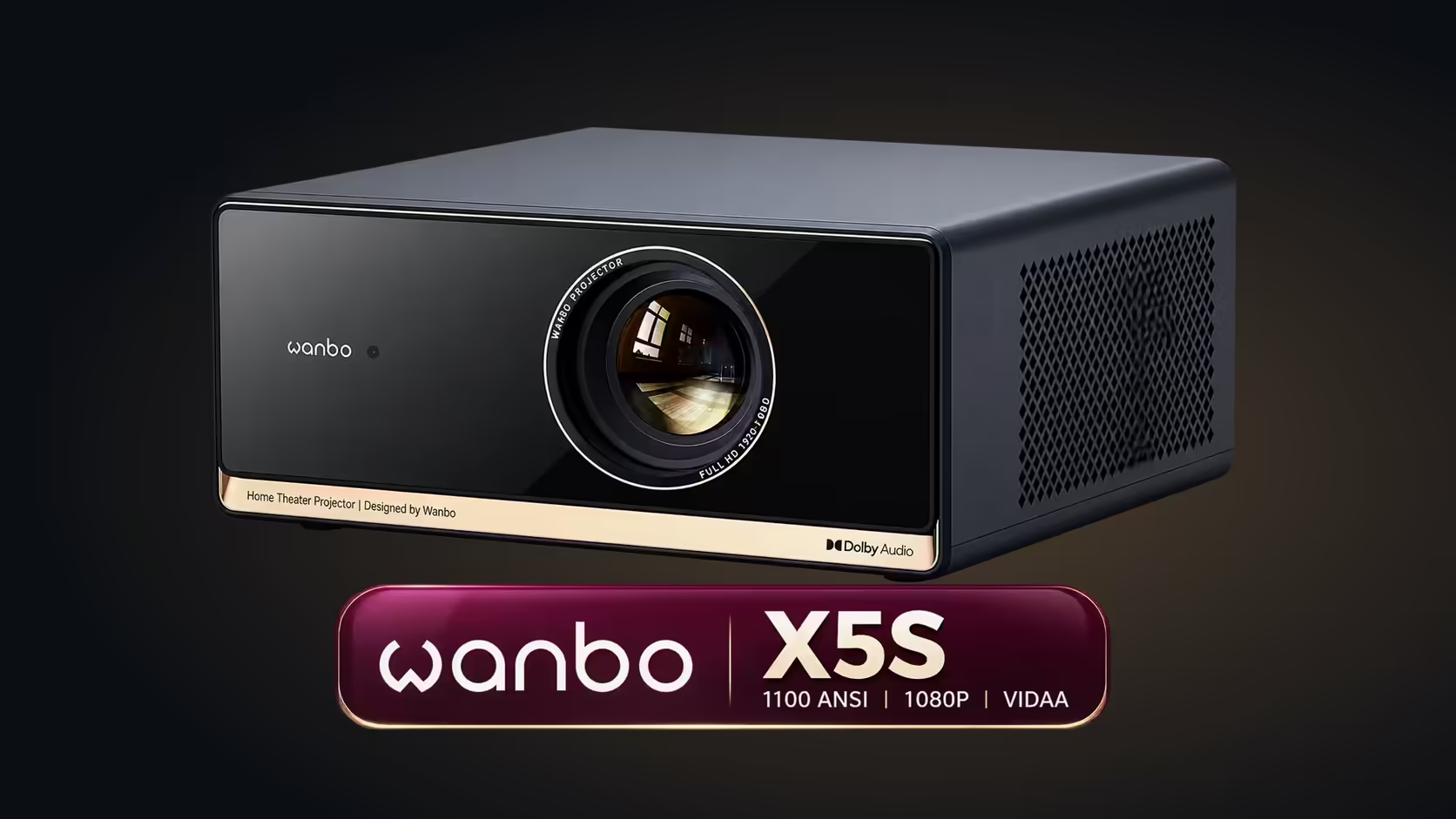
Blur after auto focus usually means the picture has not settled, the projector is tilted at a steep angle, or the wall is uneven. Let the image stop shifting, then check the corners. If the centre is sharp but the edges stay soft, reposition the projector before changing any setting. The Wanbo X5S sells for R6,899 with VAT included and includes auto focus.
⏳ Give the picture time to settle
Auto focus does not land in one step. It adjusts the lens while the image shifts, so the first seconds can look soft even while the focus is working. Wait until the picture stops moving, then judge sharpness from the couch, about 3 metres back, rather than from the wall. Judge the middle of the image first, because the focus locks onto it, and look at the corners only once the centre is clear.
A quick check is a scene with fine text or a grid pattern. When the letters stop changing and read cleanly from the couch, the focus has finished. If they keep shimmering after a long pause, the next step is the angle.
📐 Look at the angle to the wall
For a 100-inch picture the lens should sit about 60 cm above the bottom edge of the image, roughly level with its centre.
A projector tilted sharply up or down throws its picture onto the wall at an angle. The side nearest the lens is sharper than the far side, so the picture looks blurry in one part of the frame. The focus can sharpen only one distance at a time, so it cannot keep a steeply angled picture crisp across its full height.
The fix is physical. Place the projector so the lens sits near the vertical middle of the picture, then let the auto correction square up what remains. Moving the unit just 2 to 3 centimetres up or down on its table or shelf can clear soft edges that no setting would cure.
🧱 Check the wall for unevenness
A wall with a bump, a recessed cupboard, a textured finish or a stone feature shows the picture unevenly. Focus cannot flatten a surface that is not flat, so one part of the image stays soft while the rest looks sharp. In a Pretoria lounge with a plaster wall that has been patched, the repaired patch can look slightly different in the picture, and that is the first place to check.
Test the wall by projecting a plain white image at 100 inches and looking for areas that are brighter or darker than the rest. Those patches are what the focus has to work around. If the problem is the wall, a plain light-coloured screen gives the projector a flatter surface.
Frequently Asked Questions
Should I adjust the focus by hand?
Only if the centre of the picture is sharp and the edges stay soft after the image has settled. Start with placement, because that is the usual cause.
Why is one corner sharp and the other soft?
The projector is probably at an angle to the wall. Move it so the lens sits level with the centre of the picture, then check again.
Can a bad wall cause blur?
Yes. A bumpy or textured surface shows the picture unevenly, and no focus setting can make a rough wall flat.
If you are reviewing set-up options, the projector range shows the X5S with its auto focus, and the projector category lists the other projectors we sell.
Start with the placement.
If the picture is still soft, browse our projector category and compare the models that suit your wall.