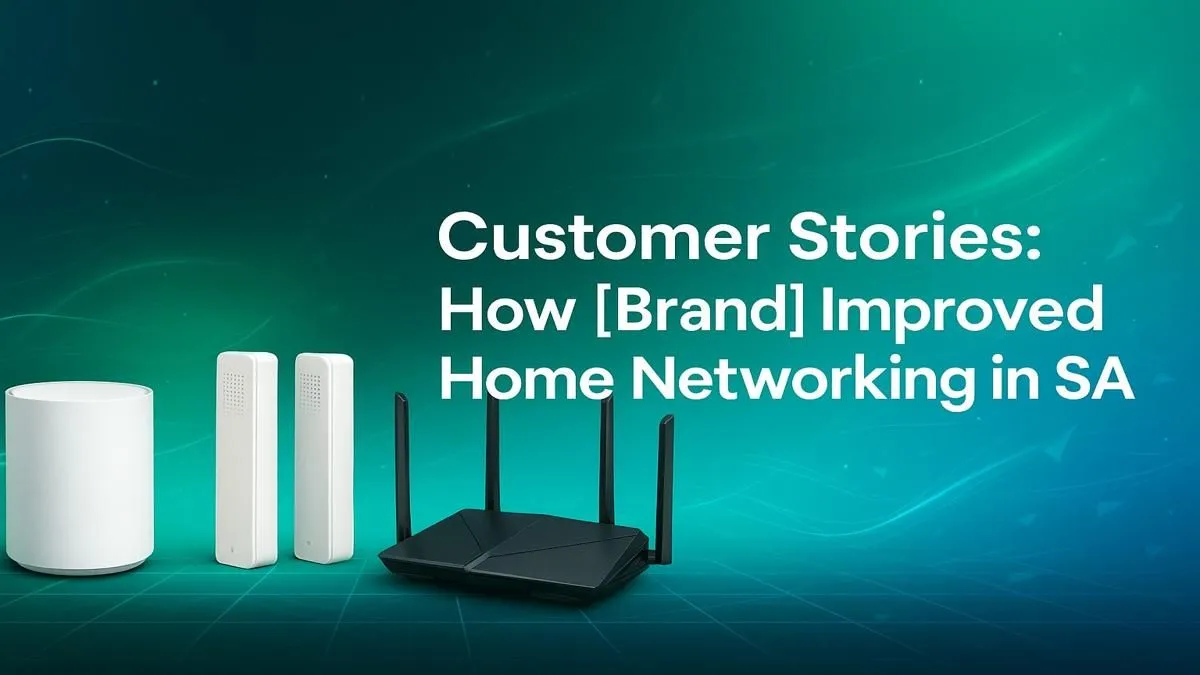
Lagging out mid-clutch in a Valorant match? Is your Showmax stream buffering while the family tries to watch a movie? You’re not alone. For many of us, getting the best home networking setup in South Africa feels like a constant battle against invisible forces. But what if the problem isn’t your fibre provider… but the gear inside your own home? Let’s fix that with a simple, powerful upgrade path, inspired by the reliability of TP-Link.
Start with the Heart: Your Wireless Router
Think of your router as the heart of your home’s digital life. It pumps internet to every device, from your gaming PC to your smart TV. An old, underpowered router supplied by your ISP is often the main bottleneck. Upgrading to a modern unit is the single biggest improvement you can make for your home networking in South Africa.
A powerful TP-Link Archer router, for example, brings features like Wi-Fi 6 technology. This isn't just about faster top speeds; it's about handling more devices at once without slowing down. Imagine seamless 4K streaming, lag-free gaming, and fast downloads… all at the same time. A solid foundation starts with choosing from the latest wireless routers that match your budget and speed requirements. 🚀
Banish Dead Zones and Weak Signals
Does your Wi-Fi signal disappear the moment you step out to the braai area or head to the bedroom? Thick brick walls, a common feature in South African homes, are notorious for killing Wi-Fi signals. This creates frustrating "dead zones." You don't need a complex new setup to fix this; you just need to extend your signal's reach.
This is where devices designed to boost your signal come into play. For a simple, effective fix, a TP-Link range extender can pick up your existing Wi-Fi signal and rebroadcast it, covering those hard-to-reach spots. For larger homes, a Deco Mesh system creates a seamless web of coverage, ensuring you have a strong connection everywhere. That’s where powerful wireless range extenders become essential tools in your arsenal.
Wi-Fi Placement Pro Tip 🔧
For the best signal, place your router in a central, elevated location in your home. Keep it away from thick concrete walls, large metal objects, and appliances like microwaves, which can interfere with the signal. A little bit of strategic placement can dramatically improve your coverage!
Bring Older PCs and Laptops Up to Speed ⚡
So you've invested in a fantastic new router, but your trusty old gaming PC or work laptop still feels slow. What gives? The problem might be its built-in Wi-Fi card, which may not support the latest, fastest standards like Wi-Fi 6. You don't need to replace the whole machine to enjoy the full speed of your new network.
The solution is a simple, affordable USB device that plugs into your computer. A TP-Link USB Wi-Fi adapter can instantly upgrade your device's capabilities, allowing it to connect to your network at much higher speeds. It's a plug-and-play fix that costs a fraction of a new computer and ensures no device gets left behind in your quest for the best home networking setup in South Africa. The solution is a simple, affordable USB wireless adapter that takes seconds to install.
By tackling these three core areas—the router, the range, and the device compatibility—you create a robust and reliable network that can handle anything you throw at it. No more lag, no more buffering… just pure, fast internet. ✨