


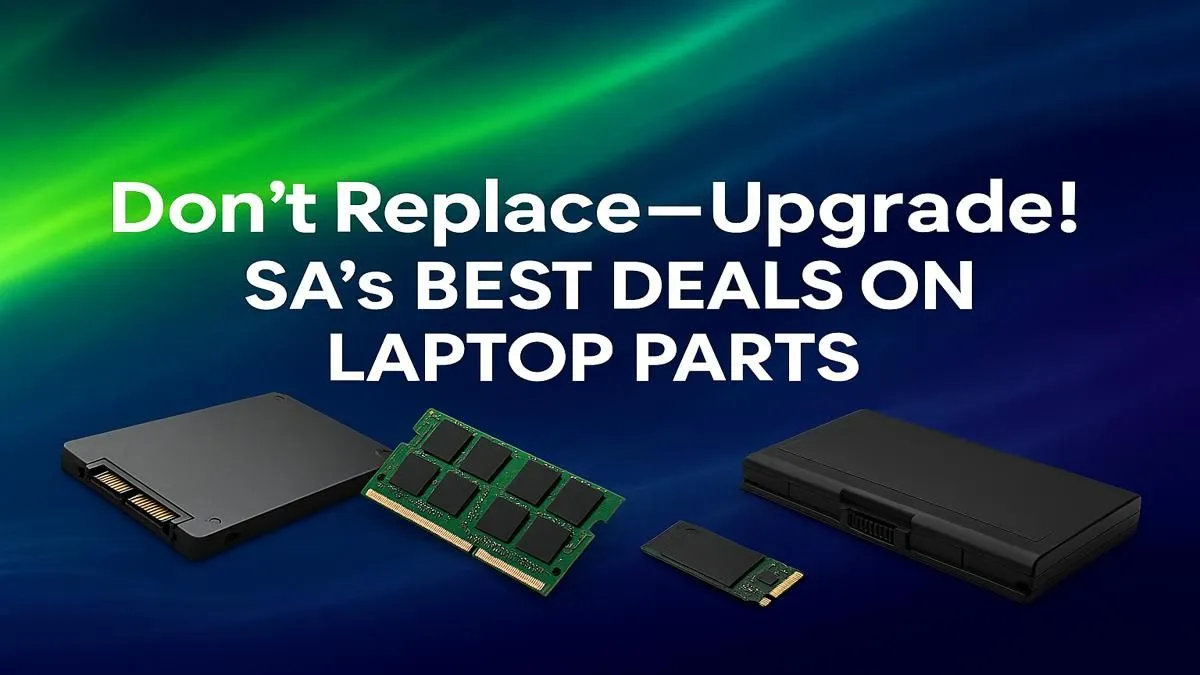
Is your trusty laptop starting to feel a bit... slow? Before you start pricing out a brand-new machine that could cost a small fortune, what if you could get that "new laptop" feeling for a fraction of the price? For many South African gamers and power users, the answer isn't replacement. It's a strategic upgrade. Sourcing the right laptop parts South Africa has on offer can breathe new life into your machine, saving you thousands. 🚀
Why Upgrade Your Laptop in South Africa?
In a world of rising costs, being smart with your tech budget is crucial. Replacing a whole laptop because the storage is full or multitasking feels sluggish is like selling your car because the tyres are worn. A targeted component upgrade offers massive bang for your buck.
The benefits are clear:
- Cost-Effective: Swapping out a single part can cost less than 20% of a new, comparable laptop.
- Performance Boost: A simple RAM or SSD upgrade can make an old machine feel brand new, slashing game load times and eliminating stuttering.
- Sustainability: You extend the life of a device you already own, which is a win for both your wallet and the environment.
The "Big Three" Laptop Upgrades
While you can't swap out everything, focusing on the most impactful, user-replaceable laptop components in South Africa can deliver incredible results.
1. RAM (Random Access Memory): The Multitasking Muscle
Think of RAM as your laptop's short-term memory. The more you have, the more applications, browser tabs, and game assets it can handle at once without slowing down. Jumping from 8GB to 16GB is a night-and-day difference for modern gaming and productivity. It's a relatively simple and affordable fix that solves that "why is everything so slow?" feeling. Even many of the best gaming laptops under R20k ship with RAM slots ready for a future boost.
2. Storage (SSD): The Speed Demon ⚡
If your laptop still runs on an old mechanical hard disk drive (HDD), an upgrade to a Solid-State Drive (SSD) is the single best thing you can do.
- Boot Times: Windows will load in seconds, not minutes.
- Game Loading: Say goodbye to long loading screens in games like Starfield or Baldur's Gate 3.
- General Snappiness: Every click feels instant.
Pairing a fast NVMe SSD with an already capable processor, like those found in Intel Core i7 gaming laptops, creates a seriously responsive and powerful machine.
Check Your Compatibility First! 🔧
Before buying any parts, you need to know what your laptop supports. Use a free tool like CPU-Z to check your current RAM type (e.g., DDR4 or DDR5) and speed. For storage, open your laptop (if you're comfortable) or check its official specs online to see if it uses a 2.5-inch SATA or M.2 slot. This simple check saves a lot of headaches!
3. Battery: Reclaim Your Portability
Is your laptop permanently tethered to its charger? An aging battery can defeat the whole purpose of having a portable device. A fresh battery can restore its all-day unplugged potential, making it perfect for lectures, an unexpected outage, or a gaming session on the couch.
When an Upgrade Isn't Enough
Let's be realistic. Sometimes, an upgrade is just a temporary fix. The most critical components—the CPU (processor) and GPU (graphics card)—are almost always soldered to the motherboard and cannot be changed.
If your core hardware is several generations old, you might hit a wall. No amount of RAM will help a decade-old CPU run the latest titles smoothly. In these cases, it's wiser to invest in a new system. You'll have to weigh the choice between the latest all-Intel gaming laptops and their incredibly efficient AMD Ryzen gaming laptop rivals.
For visually demanding games that need serious graphical horsepower, a modern GPU is essential. This is where you would need one of the latest GeForce RTX gaming laptops on special to enable features like DLSS and ray tracing. If top-tier performance is your goal, exploring powerful gaming laptops above R20k will give you the best technology available today. Sometimes, the cost of multiple parts can start to approach the price of one of the best gaming laptop deals available, making a new purchase the smarter long-term investment.
Finding reliable laptop parts in South Africa is the key. By focusing on smart, targeted upgrades, you can keep your machine in the game for years to come... or decide it's the perfect time to level up to a whole new rig. ✨
Ready for a Performance Boost? Upgrading your laptop can be a brilliant move, but sometimes a fresh start is the only way forward. Whether you're hunting for specific parts or eyeing a brand-new rig, we've got you covered. Explore our massive range of laptop specials and find the perfect machine to conquer your world.










