


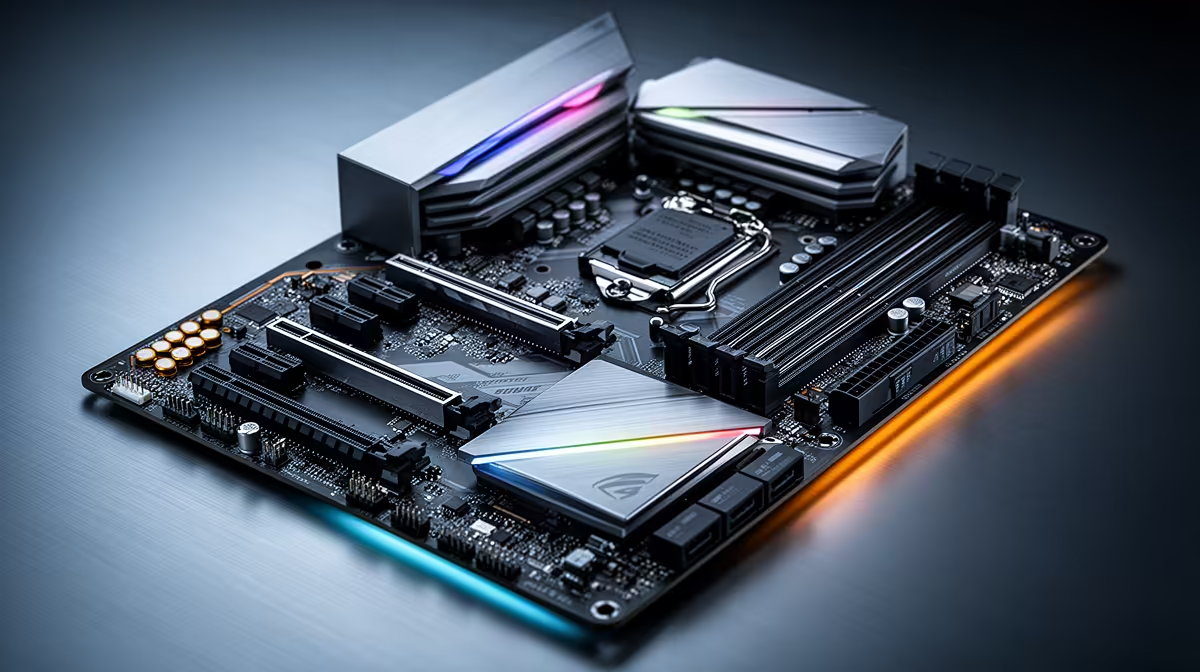
So, you love your Alienware's raw power but feel trapped by its custom parts? You're not alone. Upgrading its motherboard isn't a simple swap due to proprietary designs. For gamers in South Africa, giving your high-end Alienware components a new home is often the smartest move. Let’s explore how to choose the best motherboards for Alienware gaming performance, freeing your hardware from its shell and unlocking true upgrade potential. 🚀
Why Upgrading an Alienware Motherboard is Tricky
Before you start shopping, it's crucial to understand the challenge. Alienware, like many pre-built system manufacturers, uses motherboards designed specifically for their unique cases. This often means you'll run into:
- Proprietary Form Factors: The board's shape and screw-hole placements might not match standard ATX, Micro-ATX, or Mini-ITX cases.
- Non-Standard Connectors: The cables for the power button, USB ports, and LED lighting on the Alienware case are frequently combined into a custom connector that won't plug into a standard motherboard.
- BIOS & Software Locks: The system's BIOS can be locked down, making it difficult to recognise non-Dell hardware.
Trying to fit a standard board into an Alienware case is a project for expert modders, not a straightforward upgrade.
The Smartest Upgrade Path: A System Transplant
Instead of fighting the case, embrace freedom! The most effective way to upgrade is to perform a "system transplant." This involves moving your core components—the CPU, GPU, RAM, and storage—from your Alienware rig into a new case with a new, standard motherboard.
This approach transforms your powerful but locked-down parts into the heart of a fully customisable PC. It's the ultimate upgrade path, giving you control over future improvements and repairs. You get to keep the performance you paid for while gaining the flexibility the PC building community loves. This is where finding the right foundation from a wide selection of motherboards becomes your first exciting step.
Finding the Best Motherboards for Your Alienware "Heart" ✨
Choosing your new board depends entirely on the CPU currently in your Alienware machine. Is it powered by Intel or AMD?
For the Intel Core Loyalists
If your rig runs on an Intel Core i5, i7, or i9, you have a massive range of options. For pure gaming and overclocking potential that mirrors the Alienware spirit, a Z-series chipset motherboard (like the Z790) is your best bet. If you don't plan to overclock, a B-series board (like the B760) offers incredible value without sacrificing performance. These boards provide excellent power delivery and feature sets for high-end components.
You can browse a fantastic variety of the latest Intel motherboards to find the perfect match for your processor's generation and your budget.
Socket Check! 🔧
Before you buy any motherboard, double-check its socket type! For example, modern Intel CPUs use sockets like LGA 1700, while AMD's latest Ryzen chips use AM5. Your CPU must match the motherboard's socket. It's the first and most important step to a successful transplant!
For Team Red's Ryzen Power
Rocking an AMD Ryzen CPU? You're in a great spot for building a powerhouse. For modern Ryzen 7000 series and beyond, you'll be looking at the AM5 platform. An X670 or B650 motherboard will provide the perfect home for your processor. The "X" series typically offers more connectivity and overclocking features, while the "B" series delivers a brilliant balance of price and performance for most gamers.
These platforms unlock features like PCIe 5.0 and DDR5 RAM, ensuring your transplanted system is future-proof. Have a look at these powerful AMD motherboards to see what's possible for your Ryzen core.
The Final Verdict
While you can't easily slot a new board into your Alienware case, you can liberate its powerful components. A system transplant is the best way forward, giving you a PC with Alienware-level performance and the freedom of a custom build. It's the perfect weekend project for any South African gamer looking to take full control of their hardware destiny.
Ready to Unleash Your Components? Breaking free from a proprietary case gives you ultimate control. The best motherboard for your Alienware's heart is waiting. Explore all our PC Components and build a rig with the freedom to evolve.











