


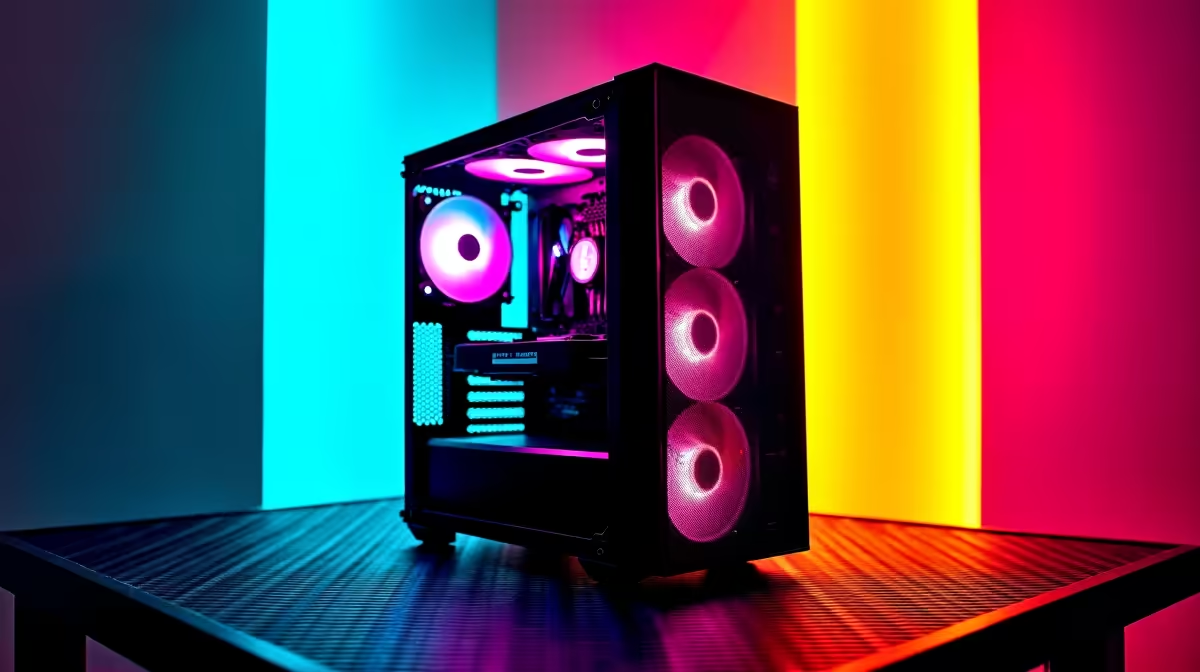
Heard the buzz about AI models like DeepSeek? It’s not just for massive data centres anymore. You can run these powerful tools right here in South Africa, on your own machine. But before you download that multi-gigabyte model, ask yourself: is your current rig up to the task? A proper DeepSeek PC upgrade is about more than just gaming... it’s about future-proofing your setup for the next wave of technology. Let's get you ready. 🔧
Understanding the Demands of Local AI Models
Running a large language model (LLM) like DeepSeek locally is a completely different beast compared to browsing the web or even playing the latest AAA game. These models are incredibly memory-hungry, and not just the RAM you're used to thinking about.
The single biggest factor is Video RAM (VRAM), the dedicated memory on your graphics card (GPU). The entire AI model needs to be loaded into VRAM to run efficiently. If you don't have enough, your system will be forced to use slower system RAM or even your SSD, causing performance to plummet. A standard office PC simply won't cope. This is the core reason why a targeted PC upgrade for DeepSeek is essential for anyone serious about local AI.
The Ultimate DeepSeek PC Upgrade Checklist
Planning your upgrade path can seem daunting, but it boils down to prioritising a few key components. Here’s where you should focus your budget for the best performance in South Africa.
The GPU: Your AI Powerhouse 🚀
This is where most of your budget should go. For AI, the GPU does all the heavy lifting.
- VRAM is King: Forget clock speeds for a moment. The amount of VRAM is your number one priority. Aim for a minimum of 12GB. For more complex models or fine-tuning, 16GB or even 24GB is the sweet spot.
- NVIDIA vs. AMD: NVIDIA's CUDA platform has long been the industry standard for AI, offering the widest support and easiest setup. For the best out-of-the-box experience, many developers lean towards NVIDIA, and you can see the latest options in our range of powerful NVIDIA GeForce gaming PCs. AMD is catching up with its ROCm software, but it can require more tinkering.
Check Your Software Stack! 💡
Before you buy a GPU, double-check the requirements for the AI software you plan to use, like PyTorch or TensorFlow. Confirm which versions of CUDA (for NVIDIA) or ROCm (for AMD) are supported. This simple check can save you hours of troubleshooting down the line and ensure your new hardware works perfectly from day one.
System RAM: Don't Let It Be a Bottleneck
While the GPU's VRAM holds the model, your system RAM is crucial for loading it and handling all the other tasks your PC is running. 16GB is the absolute minimum, but 32GB of fast DDR4 or DDR5 RAM is a much safer bet. This ensures your operating system and other apps don't steal precious resources while the model is running.
The CPU: More Than Just a Supporting Actor
The CPU might not be running the core AI calculations, but it's vital for data preparation, loading the model, and keeping the entire system responsive. A modern CPU with 6 or more cores is recommended. If your workflow involves both AI and heavy multitasking, a high core-count CPU, like those found in top-tier AMD Radeon gaming PCs, makes a huge difference.
Is a Gaming PC Enough for a DeepSeek Upgrade in South Africa?
This is a great question. For many people, the answer is a resounding yes! ✨ A high-end gaming PC already has the most important component: a powerful GPU with plenty of VRAM. The lines between a gaming rig and an AI development machine are becoming increasingly blurred.
However, there are differences. For those running mission-critical AI tasks or complex simulations alongside DeepSeek, a dedicated workstation PC offers certified drivers and components tested for 24/7 stability, which can be worth the investment.
Ultimately, the best DeepSeek PC upgrade in South Africa is one that balances your budget with your ambition. And with an unexpected outage always looming, having the power to process locally without relying on a stable internet connection is a massive win.
Ready to Build Your AI Powerhouse? A PC upgrade for AI is an exciting step into the future. Whether you need a single component or a complete custom build, we have the hardware and expertise to get you started. Explore our custom PC builder and configure the perfect machine for your AI journey.









