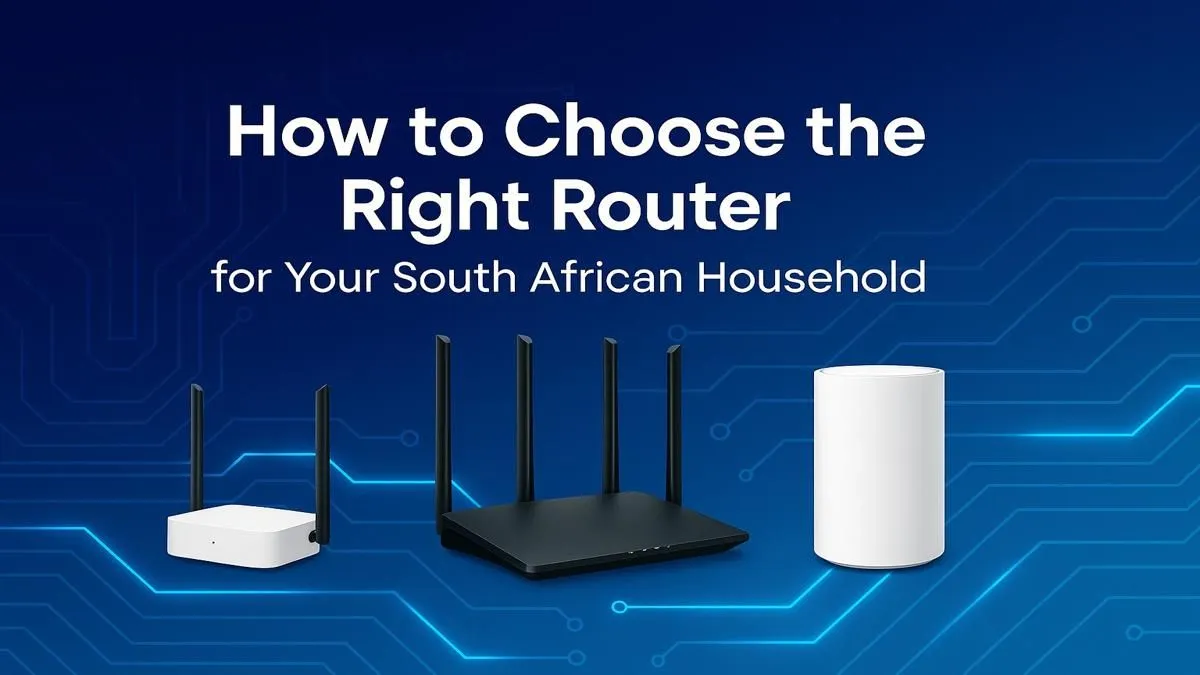
Is your fibre connection blazingly fast... until you move one room over? Lag spikes during a crucial Apex Legends match or endless buffering on Showmax can make even the best internet feel useless. Often, the culprit isn't your ISP; it's the cheap, generic box they gave you. Finding the best router South Africa has to offer is the single biggest upgrade you can make to your home network, ensuring you get the speed you actually pay for.
Why Your ISP's Router Isn't Cutting It
Internet Service Providers (ISPs) in South Africa typically provide a basic router that just gets the job done. It's designed to be cheap to mass-produce, not to deliver peak performance. These units often struggle with multiple devices, have limited range, and lack the advanced features that gamers and power users need. If your family is streaming, gaming, and working from home simultaneously, that free router is likely buckling under the pressure.
Upgrading to one of the many powerful wireless routers available can make a world of difference. You'll get better coverage, more stable connections, and features designed for modern, high-demand households.
How to Choose the Best Router for Your Home 📶
Finding the right router isn't about buying the most expensive one. It's about matching the hardware to your specific needs. Here’s a simple breakdown of what to look for when choosing the best router for your home in South Africa.
Wi-Fi Standards: Wi-Fi 5 vs. Wi-Fi 6
You'll see terms like "AC" (Wi-Fi 5) and "AX" (Wi-Fi 6). What's the difference?
- Wi-Fi 5 (802.11ac): The standard for the last few years. It's perfectly fine for smaller homes and moderate internet usage.
- Wi-Fi 6 (802.11ax): The latest standard. It's not just about raw speed; its real strength is efficiently handling dozens of connected devices at once. If you have smart lights, multiple PCs, consoles, and phones, Wi-Fi 6 is a massive improvement, reducing network congestion and lag.
Location, Location, Location! 💡
Your router's placement is critical. Don't hide it in a cupboard or at the edge of your house. For the best signal, place it in a central, elevated position, away from thick brick walls, metal objects, and other electronics like microwaves. This simple trick can dramatically improve your Wi-Fi coverage without costing a cent.
Coverage: Bigger Home, Bigger Needs
A standard router might cover a small flat, but it will struggle with a larger, multi-story house. If you have frustrating Wi-Fi "dead spots," you have a couple of excellent options:
- Mesh Wi-Fi System: This uses multiple nodes placed around your home to create a single, seamless network. It's the most effective solution for large or complex layouts.
- Range Extenders: A more budget-friendly option. These devices pick up your existing Wi-Fi signal and rebroadcast it, pushing the signal into those hard-to-reach areas. They are a great, simple fix for a single problem room and you can find a variety of wireless range extenders to suit your budget.
Do You Need a New Adapter?
Buying the best router in South Africa won't help if your PC or laptop has an old Wi-Fi card that can't use the new speeds. For older machines, upgrading with a wireless adapter that supports Wi-Fi 6 is a small investment that ensures you get the full benefit of your network upgrade. 🚀
A powerful router is the heart of your home network. It dictates the speed and stability for every device, from your gaming PC to your smart TV. By assessing your home size and device load, you can find the perfect model that eliminates lag and unlocks the true potential of your internet connection. A solid complete wireless networking setup is no longer a luxury… it’s essential.