


So, you’re eyeing the sleek HP ZBook Firefly G11… a brilliant choice for South African professionals who demand power without the bulk. But here’s the million-rand question: are its built-in graphics enough for your hustle and your hobbies? Or do you need more muscle? This is the ultimate breakdown of the HP ZBook Firefly G11 external GPU vs integrated graphics debate, helping you invest wisely for work and play. 💻
The Onboard Power: What Integrated Graphics Offer
Before we talk about adding extras, let's appreciate what the ZBook Firefly G11 already has under the hood. "Integrated graphics" simply means the graphics processing unit (GPU) is built directly into the main processor (CPU). This design is brilliant for portability and efficiency.
For the ZBook Firefly G11, this typically means relying on the capable Intel Iris Xe or AMD Radeon graphics, depending on the model you choose. These integrated solutions are perfect for:
- Daily Productivity: Crushing spreadsheets, running multiple browser tabs, and handling video calls without a sweat.
- Light Creative Work: Basic photo editing in Photoshop or designing presentations.
- Media Consumption: Streaming Netflix or YouTube in crisp 4K.
- Casual Gaming: Enjoying less demanding titles like League of Legends or Valorant at reasonable settings.
The biggest win here is battery life and portability. Because everything is on one chip, the laptop runs cooler and sips power, making it ideal for working from a coffee shop or surviving an unexpected outage. Whether you lean towards Team Blue or Team Red, you can find powerful and efficient options among our Intel laptops on special and our wider range of AMD laptops on special.
Unleashing the Beast: The External GPU (eGPU) Option 🚀
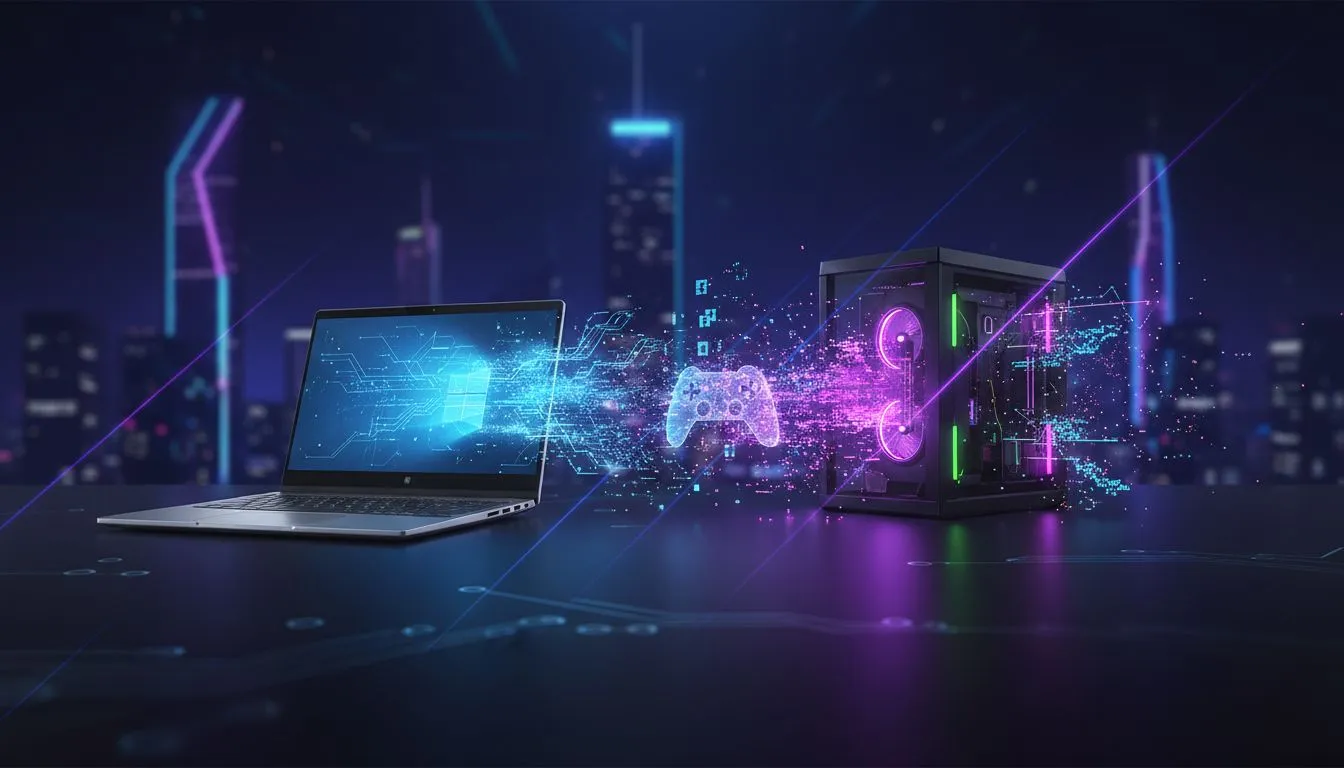
What if your needs are more… demanding? What if you want to edit 4K video or dive into the latest AAA games after hours? That’s where an external GPU, or eGPU, comes in. Think of it as a powerful desktop graphics card in its own box, ready to connect to your ZBook Firefly G11 via a high-speed Thunderbolt port.
An eGPU setup completely transforms your slim work laptop into a high-performance rig. Suddenly, tasks that would make integrated graphics struggle are handled with ease. The debate over the HP ZBook Firefly G11 with an external GPU vs its integrated graphics becomes a question of workflow. An eGPU gives you the best of both worlds: a light laptop for the road and a powerhouse for your desk. While this adds to the overall cost, it's a phenomenal upgrade path if you don't want to buy a separate gaming machine. For those who want all-in-one power from the start, check out our best gaming laptop deals for comparison.
Which Setup is Right for You? 🤔
The right choice in the HP ZBook Firefly G11 external GPU vs integrated graphics showdown depends entirely on your lifestyle. Let's find your profile:
The Mobile Professional
You live out of your laptop bag, travelling between client sites and co-working spaces. Portability, reliability, and all-day battery life are non-negotiable. Verdict: The standard integrated graphics are perfect for you. An eGPU would just be dead weight.
The Hybrid Creative
You work from home a few days a week but need a light machine for the office. Your work involves video editing, 3D modelling, or graphic design that can push your hardware. Verdict: Start with the integrated graphics for portability. An eGPU at your home desk will slash your render times and seriously optimise your workflow.
The After-Hours Gamer
Your ZBook is your workhorse from 9-to-5, but your true passion is gaming. You want to run the latest titles smoothly without compromising on visual quality. Verdict: An eGPU is practically essential. It’s the key to unlocking the ZBook's hidden gaming potential and enjoying a top-tier experience.
Thunderbolt Tip ⚡
For a stable eGPU connection, not all cables are equal. Always use a certified Thunderbolt 4 cable that is 0.8 metres or shorter. Longer, non-certified cables can lead to performance drops or connection issues, bottlenecking your expensive graphics card. Keep it short and certified for maximum power!
The Final Verdict: Flexibility is the Real Power
So, what's the conclusion in the HP ZBook Firefly G11 external GPU vs integrated graphics comparison? The true beauty of this machine is its flexibility. It's a powerful, ultra-portable workstation right out of the box, but its Thunderbolt port gives you an incredible upgrade path for the future.
You can buy the laptop you need for today, knowing you have the option to add desktop-class graphics power tomorrow. This adaptability makes it one of the smartest investments you can make, giving you a device that grows with your needs. It's a solution that fits the dynamic work and play culture here in South Africa. For a look at what's available right now, browse our complete collection of laptop specials for sale in South Africa.
Ready to Find Your Perfect Match? The ZBook Firefly G11 proves you don't always have to choose between portability and power. For maximum choice and value in South Africa, Evetech has the machine to conquer your world. Explore our massive range of laptop specials and find your perfect fit today.











