


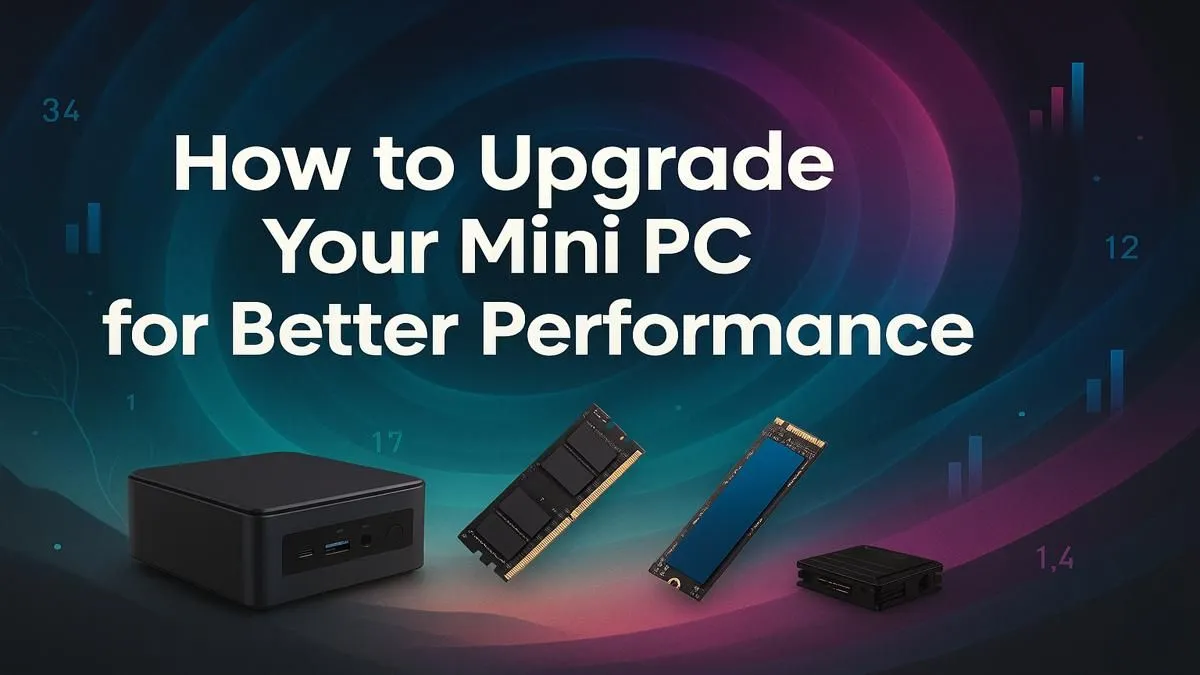
Is your desk looking more cluttered than Sandton traffic? Mini PCs are brilliant space-savers, but what happens when yours starts feeling sluggish? Before you splash out on a whole new rig, let’s talk about a mini PC upgrade. Squeezing more power out of that tiny box is often easier and more affordable than you think. This guide shows you how to get better performance and breathe new life into your compact powerhouse. 🚀
Why Consider a Mini PC Upgrade?
Let's be real, nobody likes a slow computer. When your mini PC starts lagging during a work presentation or stuttering in a low-spec game, it's frustrating. A targeted mini PC upgrade is the most cost-effective way to fix performance bottlenecks. Instead of replacing the entire system, you can invest a few hundred or a couple of thousand Rand into key areas to get a machine that feels brand new, extending its useful life significantly.
Key Components for Your Mini PC Upgrade
Not all parts in a mini PC can be swapped out, but the ones that can offer a massive performance boost. Focus on these two areas for the best results.
RAM (Memory) Boost ⚡
Is your PC struggling when you have multiple browser tabs, Discord, and a document open? That’s likely a RAM issue. Most mini PCs use SODIMM memory (the laptop-sized sticks) and often come with a spare slot, making this a super easy upgrade. Bumping up from 8GB to 16GB or even 32GB can make your system feel instantly more responsive. It's one of the quickest ways to improve your mini PC's performance for multitasking.
Check Your Specs First!
Before buying, open up your mini PC or check its official product page to confirm the RAM type (e.g., DDR4 or DDR5) and the maximum capacity it supports. This five-minute check saves a lot of headaches!
Storage (SSD) Overhaul
If your mini PC still uses a traditional hard disk drive (HDD), upgrading to a Solid State Drive (SSD) is the single biggest performance jump you can make. Your boot-up time will go from minutes to seconds. If you already have a small SSD, upgrading to a larger, faster NVMe M.2 SSD gives you more space for games and lightning-fast loading times. You can find the perfect Mini PC components for the job right here.
What About the CPU and GPU?
Here’s where we need to manage expectations. In the vast majority of mini PCs, the processor (CPU) and graphics chip (GPU) are soldered directly onto the motherboard. This means they cannot be upgraded. If you’re finding that your CPU or integrated graphics are the bottleneck, your upgrade path involves replacing the whole unit. In that case, it's a good idea to explore newer mini PC models to find a base with the power you need for the long run.
Planning Your Upgrade 🔧
A successful mini PC upgrade is all about planning.
First, identify your bottleneck. Is it slow loading (SSD) or sluggish multitasking (RAM)? Once you know the problem, check your mini PC's manual or look up its specs online to confirm compatibility for new parts.
Next, set a budget. A RAM upgrade can be surprisingly affordable, while a top-tier 2TB NVMe SSD will cost more. The great thing is that even if you decide a full replacement is better, you can find some seriously powerful options under R22,000 that deliver incredible performance for their size.
Ready for a Performance Boost? A simple mini PC upgrade can completely transform your daily computing experience. Shop now at Evetech for performance that leaves lag in the dust.









