


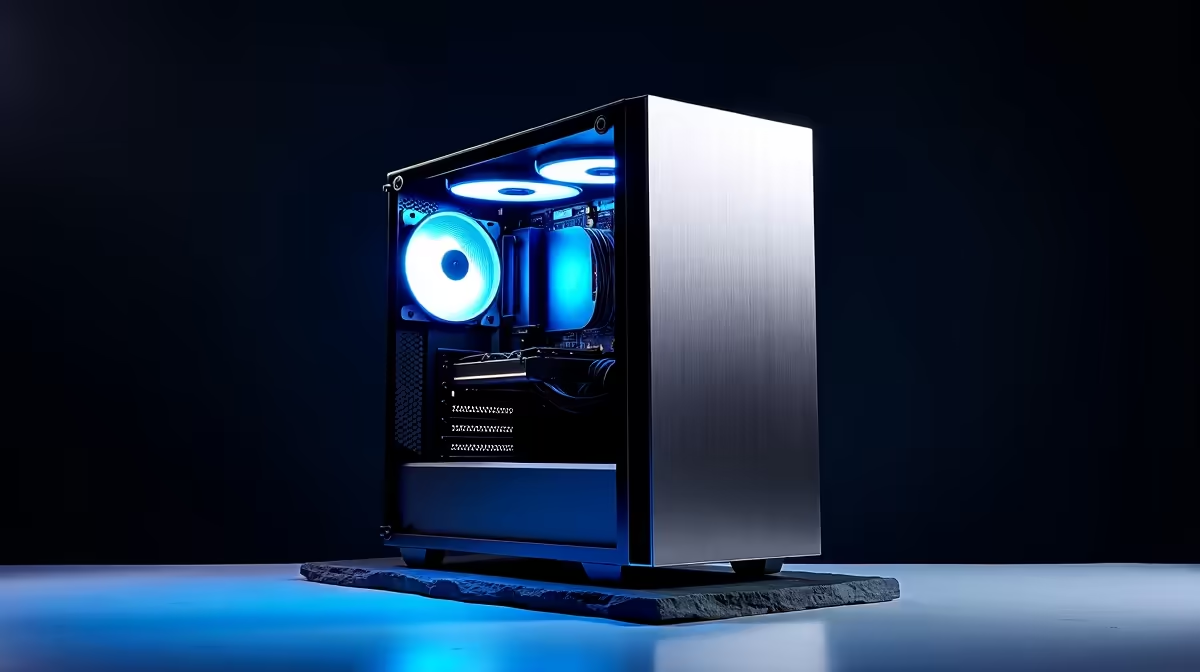
So, you’ve heard the buzz about DeepSeek, the AI coding and reasoning wizard that's making waves across the tech world. Your gaming rig crushes the latest titles, but can it handle the demands of a powerful large language model? For many South African tech enthusiasts, the answer is… almost. A strategic PC upgrade for DeepSeek is the key to unlocking its full potential, turning your gaming machine into a true AI powerhouse right here at home. 🚀
Why Your PC Needs an Upgrade for DeepSeek
Running a sophisticated AI model like DeepSeek locally isn't like loading up another game. While both tasks hammer your graphics card, AI has a specific hunger for one resource: VRAM (Video RAM). Think of VRAM as your GPU's personal workspace. The entire AI model needs to fit into this space to run efficiently. If it doesn't fit, performance grinds to a halt.
This is where a targeted PC upgrade for DeepSeek becomes essential. It’s not about replacing everything, but about identifying and strengthening the key components that AI workloads depend on most.
Your Step-by-Step DeepSeek Upgrade Path
Ready to get your machine AI-ready? Here’s a breakdown of the most critical components to consider for your upgrade.
The GPU: VRAM is King 👑
The graphics card is the single most important part of this entire process. For running models like DeepSeek, you need a GPU with a hefty amount of VRAM—ideally 16GB or more.
- NVIDIA GeForce: With their powerful CUDA cores, NVIDIA cards are the industry standard for AI. An RTX 4070 Ti SUPER with 16GB of VRAM or an RTX 4080 SUPER are fantastic starting points. For those serious about performance, exploring a pre-configured NVIDIA GeForce Gaming PC ensures every component is balanced for maximum power.
- AMD Radeon: Team Red offers incredible value and gaming performance. While CUDA is often preferred for AI, AMD's ROCm platform is catching up. High-VRAM cards like the RX 7900 XTX with 24GB offer a compelling alternative. If you're an AMD fan, checking out a complete AMD Radeon Gaming PC can give you a great bang-for-your-buck system.
VRAM Saving Tip 🧠
Can't afford a 24GB card just yet? Look into 'quantized' versions of AI models. These are slightly compressed versions that use less VRAM, often with a minimal impact on performance. This can be a great way to experiment with a powerful AI like DeepSeek on a GPU with 12GB or even 8GB of VRAM.
System RAM and Storage: The Unsung Heroes
While the GPU does the heavy lifting, don't neglect the rest of your system.
- System RAM: You'll need at least 32GB of fast DDR4 or DDR5 RAM. This ensures your operating system and other applications have enough memory to run smoothly while the AI model is loaded onto your GPU.
- Storage: DeepSeek's model files are massive, often exceeding 50GB. A fast NVMe SSD is non-negotiable. It will drastically reduce loading times, letting you get to work or experimenting much faster. A 1TB or 2TB NVMe drive is a wise investment.
When to Consider a Dedicated Workstation
Is your goal to run AI models for professional work, research, or content creation day in and day out? While a high-end gaming PC can do the job, a dedicated workstation might be the smarter long-term investment.
Purpose-built Workstation PCs are designed for stability and sustained peak performance under heavy, continuous loads. They often feature components optimised for productivity tasks, such as CPUs with more cores and support for ECC (Error Correcting Code) RAM, making them the ultimate choice for serious AI development. This path provides the most robust foundation for anyone planning a serious PC upgrade for DeepSeek and beyond. ✨
Ready to Build Your AI Powerhouse? Whether you're optimising for the next AAA title or running complex models like DeepSeek, the right hardware makes all the difference. Explore our range of custom-built PCs and configure the ultimate machine for your needs in South Africa.









