


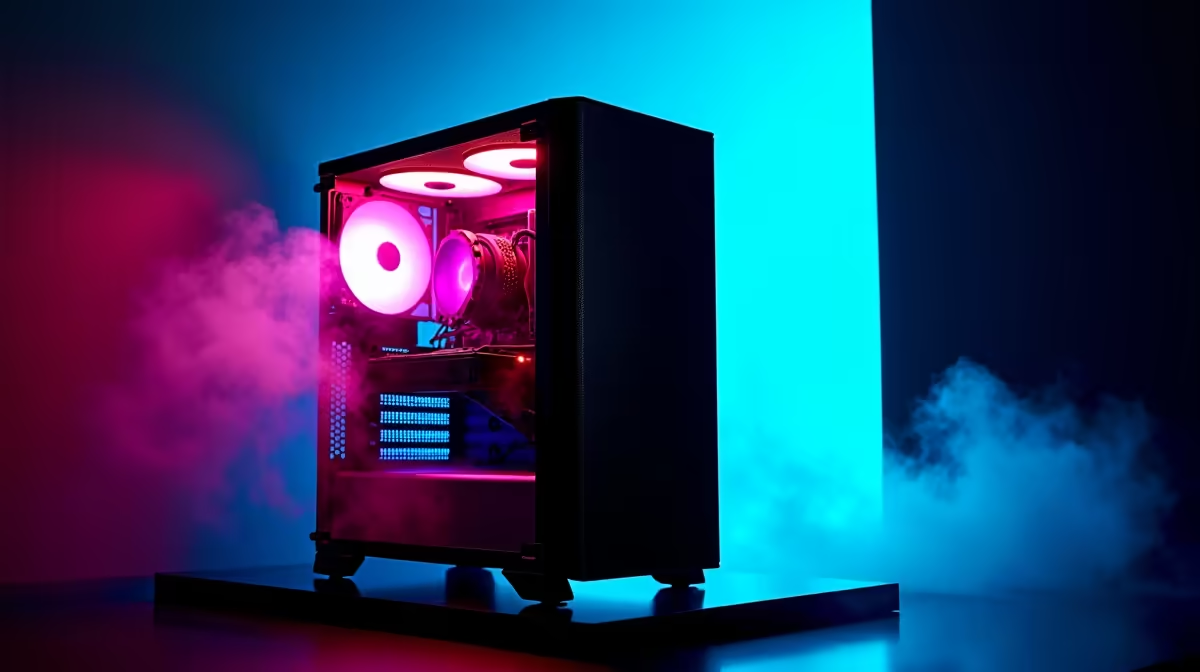
Is your trusty gaming rig starting to feel a bit... slow? Are you seeing stutters instead of slick frame rates in the latest titles? You're not alone. The good news is you don't need to break the bank for a serious performance boost. A smart R10000 gaming PC upgrade can breathe new life into your machine, getting you back in the game with crisp visuals and smooth gameplay. Let's dive into how to spend that R10k wisely. 🚀
Prioritising Your R10000 Gaming PC Upgrade
When you're working with a set budget, every rand counts. The key to a successful R10000 gaming PC upgrade is prioritisation. For gamers, the upgrade hierarchy is almost always the same: the Graphics Card (GPU) is king. It delivers the most significant and immediate improvement in frame rates and visual quality.
After the GPU, you can look at your Processor (CPU), RAM, and storage. While important, their impact on gaming is often secondary to a powerful graphics card, especially if your current components aren't ancient. It's about finding the biggest bottleneck and crushing it. Sometimes, the value offered by our powerful budget gaming PCs provides a great baseline for what a balanced new build can achieve.
The GPU: Your Biggest Performance Leap
Let's be clear: allocating at least R5,000 to R7,000 of your R10k budget to a new GPU is the smartest move you can make. This is the component that does the heavy lifting, rendering everything you see on screen. Swapping an older card like a GTX 1060 for a modern NVIDIA RTX 4060 or an AMD Radeon RX 7600 will feel like a night-and-day difference.
Suddenly, you'll be able to push settings to high or ultra at 1080p, enable features like ray tracing, and enjoy silky-smooth frame rates above 60 FPS in demanding games. This single component is the heart of any great gaming PC upgrade for R10000. To see what GPUs are popular in current builds, you can always check out the latest gaming PC deals.
Smart Upgrades for the Rest of Your Rig
With a new GPU secured, what do you do with the remaining R3,000 - R5,000? This is where you support your new graphics powerhouse.
CPU, RAM, and Storage Checklist
- Processor (CPU): If your CPU is more than 5-6 years old, it might bottleneck your shiny new GPU. Look for a modern, budget-friendly CPU that won't hold your graphics card back. Just ensure it's compatible with your motherboard socket!
- Memory (RAM): Is your system still running on 8GB of RAM? Upgrading to a 16GB dual-channel kit is a cheap and effective way to improve overall system responsiveness and reduce in-game stuttering.
- Storage (SSD): If you're still booting from a mechanical hard drive (HDD), moving your operating system and favourite games to a speedy NVMe SSD is a massive quality-of-life improvement. Load times will vanish. ✨
With these supporting upgrades, your machine will start performing on par with many excellent gaming PCs under R20k, giving you incredible bang for your buck.
Power Check Pro Tip ⚡
Before you buy a powerful new GPU, check your Power Supply Unit (PSU). A new card might require more wattage or specific power connectors (like an 8-pin or 12VHPWR). Your PSU's wattage is usually printed on its side. A quality 650W PSU is a safe bet for most mid-range builds.
When a Fresh Start Makes More Sense
Sometimes, an old PC requires too many simultaneous upgrades to be cost-effective. If your motherboard is ancient, your RAM is DDR3, and your CPU is a relic... a simple R10000 gaming PC upgrade might turn into a full-system rebuild anyway. In this scenario, selling your old rig and putting the cash towards a new one can be the better path.
This approach guarantees that all your components are modern, balanced, and covered by a warranty. You avoid compatibility headaches and get a solid foundation for future upgrades. You can explore fantastic pre-built PC deals to get a sense of the performance you can get straight out of the box, often rivaling even high-performance rigs over R20k from just a few years ago.
Ready to Unleash More FPS? A strategic R10,000 upgrade can completely transform your gaming experience. Whether you're grabbing a new GPU or planning a bigger overhaul, we've got the hardware you need. Explore our massive range of PC components and start building your dream rig today.










