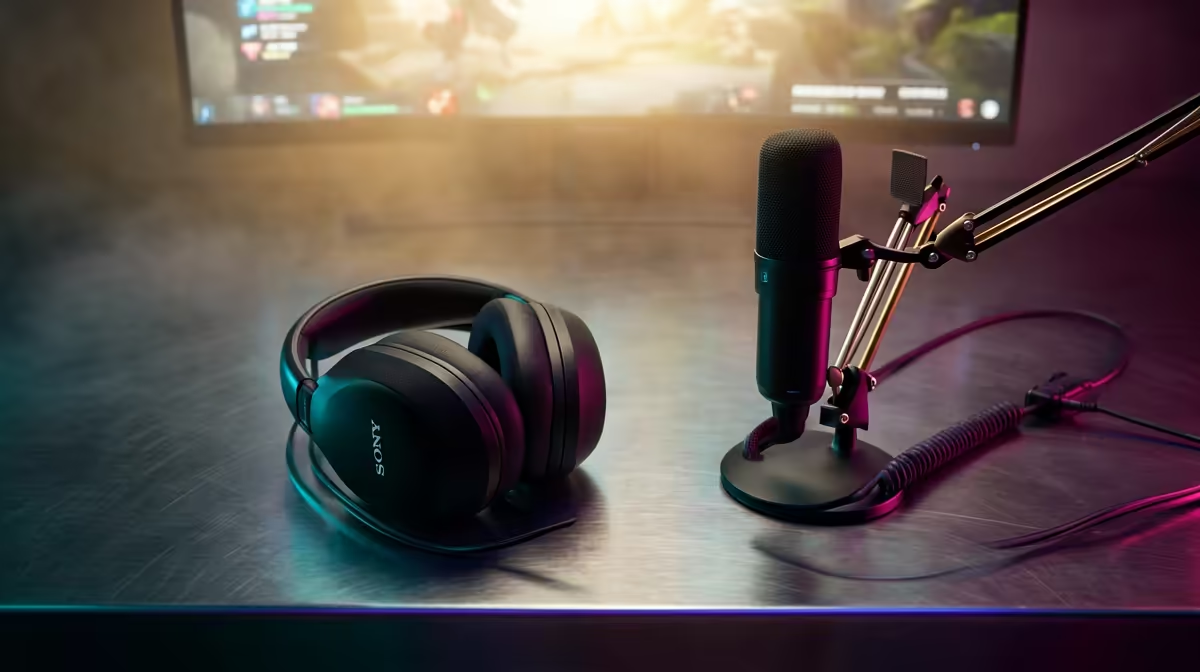
So, you've got the skills and the personality to make it big on Twitch or YouTube. But is your gear holding you back? Grainy video and muffled audio can make viewers click away, fast. For aspiring content creators, investing in the right streaming peripherals in South Africa isn't just an upgrade; it's the essential first step to building an audience. Let's get your broadcast looking and sounding professional without breaking the bank.
The Core Trio: Your Essential Streaming Peripherals 💡
Before you even think about stream decks or capture cards, you need to nail the three pillars of any quality broadcast: audio, video, and lighting. Getting these right forms the foundation of a professional-looking stream. A crisp microphone ensures your audience hears every word, a high-definition webcam lets them see every reaction, and good lighting makes it all look polished and clear. You can find a complete range of essential streaming gear to get your setup started on the right foot.
Crystal-Clear Audio and Video for Your SA Stream
If you have to prioritise your budget, spend it here first. No amount of gaming skill can make up for audio that sounds like a phone call from 2004 or video that looks like it was filmed on a potato.
Your Microphone: The Voice of Your Channel
A dedicated USB microphone is the single biggest audio upgrade you can make. It captures your voice with a richness and clarity that a headset mic simply can't match. Look for models with a cardioid pickup pattern, which focuses on sound from the front and minimises background noise… perfect for blocking out the hum of a fan or the distant sound of hadedas.
Your Webcam: Be Seen in High Definition
Your face is your brand, so make sure it's seen clearly. While 720p was once acceptable, 1080p at 30fps is now the baseline. For fast-paced gaming, a webcam that can push 60fps will make your reactions look buttery smooth. Don't let a pixelated image ruin a clutch play. Explore our selection of high-quality webcams to find the perfect fit for your setup.
Audio Pro Tip 🎙️
In OBS or Streamlabs, add a 'Noise Gate' filter to your microphone source. This simple tool automatically mutes your mic when you're not speaking, cutting out keyboard clicks, chair squeaks, and even the hum of your PC. Set the 'Close Threshold' just above your background noise level and the 'Open Threshold' just below your speaking volume. It’s a free way to get studio-quality sound!
Beyond the Basics: Advanced Streaming Peripherals
Once your audio and video are sorted, you can add tools that streamline your workflow and add professional flair. A stream deck, for example, gives you a physical set of customisable LCD keys to switch scenes, launch media, or trigger sound effects on the fly. No more frantic alt-tabbing mid-game! For console streamers, a capture card is essential to get your gameplay onto your PC for broadcasting. You can find powerful gear from brands like Corsair that integrates seamlessly into your ecosystem.
Add Some Personality with Smart Lighting ✨
Good lighting makes your camera look better, but great lighting builds a vibe. This is where you can really let your personality shine. Beyond a simple key light, consider adding background lighting to create depth and colour. RGB light strips or smart panels can transform a plain wall into a dynamic, engaging backdrop for your stream. Products like modular lighting panels from Cololight let you create unique shapes and custom colour scenes that can even react to in-game events, making your stream more immersive for your viewers.
Ready to Level Up Your Broadcast?
Building the perfect setup is a journey, but it starts with the right foundation. For the best selection and expert advice on streaming peripherals in South Africa, Evetech has your back. Explore our massive range of streaming essentials and find the gear to conquer your world.