


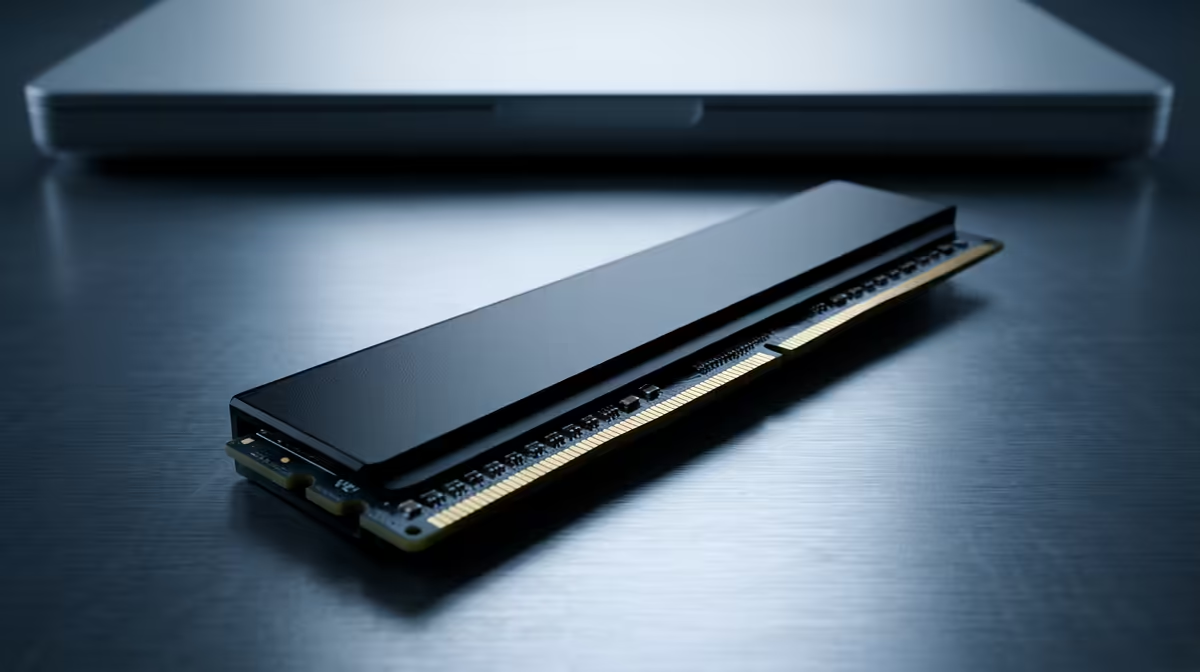
Stuck with a laptop that takes ages to boot and weighs more than your backpack? We've all been there. In South Africa, where we need our tech to be fast and portable, a sluggish machine is a major drag. The secret to unlocking instant-on performance and shedding weight isn't magic… it's a Solid-State Drive (SSD). Finding the best laptop SSD South Africa has to offer is key to transforming your daily carry into a productivity powerhouse. 🚀
Why Your Lightweight Laptop Demands a Superior SSD
Think of an old Hard Disk Drive (HDD) as a vinyl record player; a mechanical arm has to physically find the data on a spinning platter. An SSD, on the other hand, is like a flash drive on steroids. It uses microchips, has no moving parts, and accesses data almost instantly.
For a lightweight laptop, this difference is massive:
- Blazing Speed: Your laptop will boot in seconds, apps will launch instantly, and files will transfer in a flash.
- Longer Battery Life: With no moving parts to power, SSDs are far more energy-efficient, giving you more unplugged time.
- Tough as Nails: Because they're solid-state, SSDs are much more resistant to bumps, drops, and vibrations—perfect for a laptop on the move.
Switching to a laptop with a quality SSD isn't just an upgrade; it's a complete evolution of your user experience.
Understanding Laptop SSDs: NVMe vs. SATA
When you start looking, you'll see two main types of SSDs: SATA and NVMe. What's the difference?
- SATA SSDs: These are the pioneers. They use an older interface that was originally designed for HDDs. They're still much faster than any HDD, but they have a speed limit. Think of them as a reliable family sedan—dependable and a huge step up from walking.
- NVMe SSDs: This is the modern standard. NVMe (Non-Volatile Memory Express) SSDs connect directly to your laptop's motherboard via the PCIe slot, the same super-fast lane used by graphics cards. This is the Formula 1 car of storage. 🏎️
Today, most cutting-edge Intel laptops and other modern machines use NVMe drives for maximum performance, making them the top choice for a new lightweight device.
Check Before You Upgrade 🔧
If you're planning to upgrade an older laptop's SSD yourself, always check your device's specifications first! Some older, slim laptops may only have a slot for a SATA M.2 SSD, while newer ones support the faster NVMe standard. A quick search of your laptop model number will tell you exactly what you need.
Key Factors for the Best Laptop SSD in South Africa
Choosing a laptop is about more than just the brand; it’s about the components inside. When evaluating the storage, especially for a lightweight model where every component is optimised for performance, here’s what to look for.
Capacity and Speed
How much space do you need? For most users, a 512GB SSD is the sweet spot, offering plenty of room for your OS, essential apps, and files. If you're a gamer or video editor, aim for 1TB or more. Just as important are the read/write speeds, measured in megabytes per second (MB/s). Higher numbers mean faster performance, which you'll find in the spec sheets of powerful AMD-powered laptops designed for demanding tasks.
The Built-in Advantage
While you can upgrade SSDs, the easiest path to a flawless experience is buying a laptop with a brilliant SSD already installed. This guarantees compatibility and saves you the hassle of installation. Leading brands featured in our full range of laptop specials are selected for their balanced, high-performance components, ensuring you get a fast, reliable machine right out of the box. ✨
Finding the right laptop SSD in South Africa means looking for a device that balances speed, capacity, and portability perfectly for your needs.
Ready to Feel the Speed? A fast SSD is the heart of a modern lightweight laptop. Stop waiting and start doing. Explore our massive range of laptop specials and find the perfect high-speed machine to conquer your world.









