


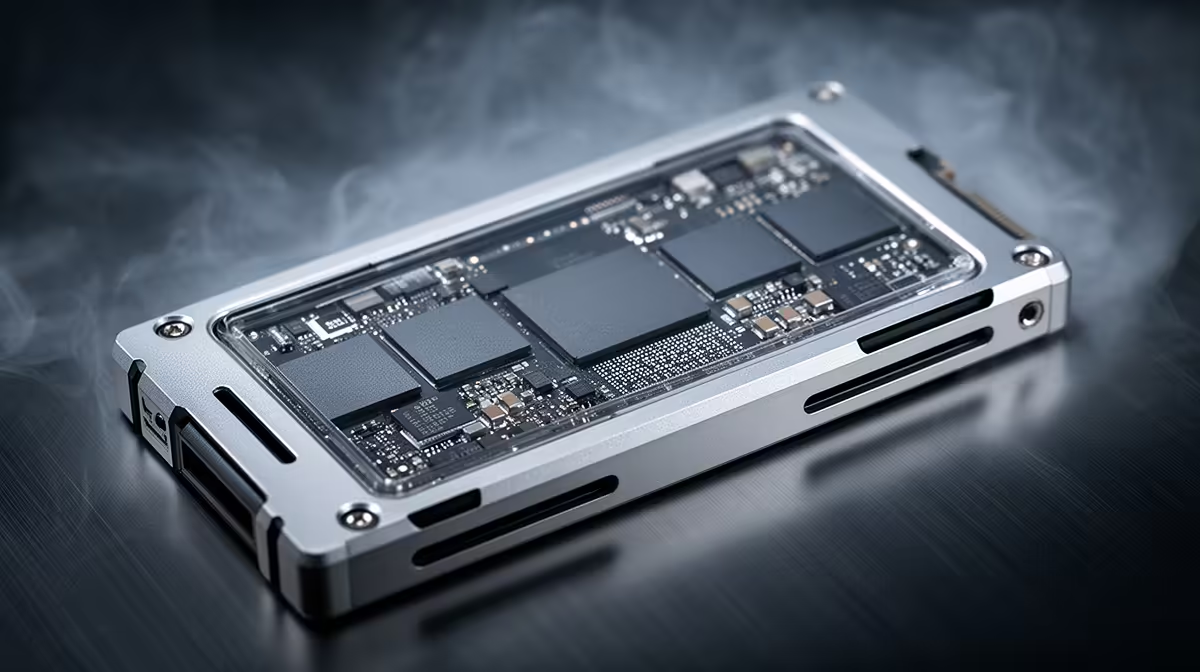
So, you're eyeing a new NVMe SSD for your rig and the big question pops up: Gen 5 vs Gen 4? It’s a hot topic in the South African gaming scene. One promises next-level, futuristic speeds, while the other delivers phenomenal performance without making your wallet weep. Before you splash out your hard-earned Rands on a storage upgrade, let's cut through the hype. Is the leap to Gen 5 actually worth it for you right now? 🚀
Gen 5 vs Gen 4: The Core Speed Difference
At its heart, the Gen 5 vs Gen 4 debate is about bandwidth. Think of it like lanes on a highway. PCIe Gen 4 is a multi-lane highway allowing for theoretical speeds up to around 7,500 MB/s. PCIe Gen 5 effectively doubles those lanes, pushing potential speeds past 12,000 MB/s and beyond.
While those numbers look incredible on paper, the real question is whether your PC can actually use that extra speed for gaming and everyday tasks.
Your 10-Point Pre-Purchase Checklist
Before you add either to your cart, run through this checklist to make an informed decision.
1. Real-World Gaming Impact
For now, the difference in game loading times between a top-tier Gen 4 and a new Gen 5 drive is often just a second or two. Technologies like Microsoft's DirectStorage aim to change this by letting the GPU load assets directly from the SSD, but games that fully utilise this are still on the horizon. A fast Gen 4 drive is more than enough for a snappy, immersive experience today.
2. Motherboard Compatibility 🔧
This is non-negotiable. To run a Gen 5 SSD at full speed, you need a motherboard with a PCIe 5.0 M.2 slot. While these drives are backwards-compatible (a Gen 5 drive will work in a Gen 4 slot, just at slower speeds), you'd be paying a premium for performance you can't use. When upgrading, check out the full range of cheap Intel and AMD based motherboards to see what fits your budget and CPU.
3. CPU & Platform Requirements
Motherboard compatibility goes hand-in-hand with your CPU. Generally, you'll need an AMD Ryzen 7000 series CPU or an Intel 12th Gen or newer processor to get motherboard support for PCIe 5.0. This means the cost of entry for Gen 5 isn't just the drive itself; it might require a full platform upgrade. If you're building fresh, you can browse dedicated Intel motherboards that support the latest standards.
4. The Price-Per-Gigabyte Question 💰
Here in South Africa, value is king. Gen 5 SSDs carry a significant price premium. You can often get a 2TB high-performance Gen 4 drive for the price of a 1TB Gen 5 drive. For most gamers, having more fast storage is a better investment than having less, slightly faster storage. The Gen 5 vs Gen 4 value proposition currently favours Gen 4 heavily.
5. Cooling and Heat Management
Speed generates heat. Gen 5 drives run hotter than their Gen 4 counterparts and absolutely require a heatsink to prevent thermal throttling (where the drive slows down to cool off). Many new motherboards come with robust M.2 heatsinks, but it's something you must account for.
Check Your M.2 Slot Specs ⚡
Before buying any NVMe drive, visit your motherboard's product page on the manufacturer's website. Look for the 'Storage' or 'Specifications' section. It will explicitly state which M.2 slots are PCIe 5.0 x4, 4.0 x4, or older. This five-minute check can save you a massive headache and a lot of money!
6. Your Primary Use Case
Are you a competitive gamer, a streamer, or a content creator? If you're regularly moving massive 8K video files or working with huge datasets, the sequential read/write improvements of a Gen 5 drive could save you valuable time. For pure gaming and general use, Gen 4 hits the sweet spot.
7. Future-Proofing vs. Present Value
Buying a Gen 5 drive now could be seen as future-proofing. As games and applications evolve to take advantage of the speed, you'll be ready. However, technology moves fast. By the time Gen 5 speeds are essential, prices will have dropped significantly. Buying for your needs today is often the smarter financial move.
8. System Bottlenecks
A lightning-fast SSD won't make a slow PC fast. If your CPU, GPU, or RAM are older, they will be the bottleneck, not your storage. The performance of a Gen 5 drive would be largely wasted in a system that isn't balanced with other high-end components.
9. Power Consumption
It's a minor point, but Gen 5 drives are slightly more power-hungry. In a desktop, it's unlikely to matter, but it's another factor in the overall efficiency of your build.
10. The Right Platform for the Job
Ultimately, your choice is tied to your processor. If you're building a new PC around the latest AMD silicon, pairing it with one of the compatible AMD motherboards that features a Gen 5 slot makes sense if you have the budget. For everyone else, sticking with a robust Gen 4 setup is the winning move for now.
Ready to Supercharge Your Rig? Whether you decide the blistering speed of Gen 5 is for you, or the incredible value of Gen 4 is the smarter play, the right SSD is waiting. Explore our huge range of NVMe SSDs and give your PC the speed boost it deserves.










